

If you’ve been using YouTube lately, you’ve probably noticed something frustrating-ads are everywhere. They interrupt videos at the worst possible moments, sometimes appear back-to-back, and in many cases, they’re not even skippable. What used to be a minor annoyance has now become a major disruption to the viewing experience. That’s exactly why so many people are actively searching for the Best Youtube Ad Blocker in 2026.
But here’s the problem: finding the right one isn’t as easy as it used to be. YouTube has significantly upgraded its ad delivery system and introduced aggressive anti-adblock technology. Many tools that worked perfectly just a year ago are now either partially broken or completely ineffective. This means you can’t just install any extension and expect it to work-you need something tested, reliable, and constantly updated.
After spending more than 40 hours researching, installing, testing, and comparing different tools across multiple browsers and devices, I’ve created this detailed guide to help you choose the Best Youtube Ad Blocker for your needs. This isn’t just a list-it’s a real-world breakdown based on performance, usability, and long-term reliability.
So if you’re tired of interruptions and want a smooth, ad-free experience again, you’re in the right place.

Let’s take a step back and understand what’s really happening behind the scenes. YouTube is no longer just a video platform-it’s a massive advertising ecosystem. Ads are the primary way creators earn money, and because of that, YouTube has strong incentives to make sure ads are seen.
In 2026, YouTube has implemented advanced detection systems that can identify when users are trying to block ads. These systems don’t just rely on simple checks-they analyze behavior, scripts, and even how the video player interacts with your browser. This is why many users now encounter warnings, playback restrictions, or even temporary blocks when using outdated tools.
Because of this, choosing the Best Youtube Ad Blocker is no longer just about blocking ads-it’s about staying ahead of YouTube’s detection methods. A good tool today must be actively maintained, frequently updated, and smart enough to adapt to changes.
Another important factor is browser compatibility. Modern browsers, especially Chrome, have introduced stricter extension policies that limit how ad blockers work. This has created a noticeable gap between tools that work well on Firefox versus those that struggle on Chrome. So when choosing the Best Youtube Ad Blocker, your browser choice plays a bigger role than ever before.
To make this guide truly valuable, I didn’t rely on reviews or marketing claims. I personally tested each tool in real-world conditions, using different browsers, internet speeds, and YouTube usage patterns.
The testing process was designed to simulate how an average user watches YouTube. This included watching long videos, skipping through timelines, switching between channels, and even letting autoplay run for extended periods. The goal was to see how each tool performed over time-not just in short bursts.
One of the most important things I observed was consistency. Some tools blocked ads at the beginning but failed during mid-roll ads. Others worked fine for a few hours but then triggered YouTube’s detection system. Only a handful of tools maintained consistent performance throughout extended use.
Another key factor was speed. Some ad blockers, especially heavier ones, can slow down your browser or increase page load times. This creates a different kind of frustration, which defeats the purpose of improving your experience. The Best Youtube Ad Blocker should feel invisible-it should work in the background without affecting performance.
I also looked at ease of use. Not everyone wants to tweak advanced settings or manage filter lists. For many users, simplicity matters just as much as performance.
Now let’s go deeper into the actual tools. Instead of just listing features, I’ll explain how each one performs in real-world use and who it’s best suited for.
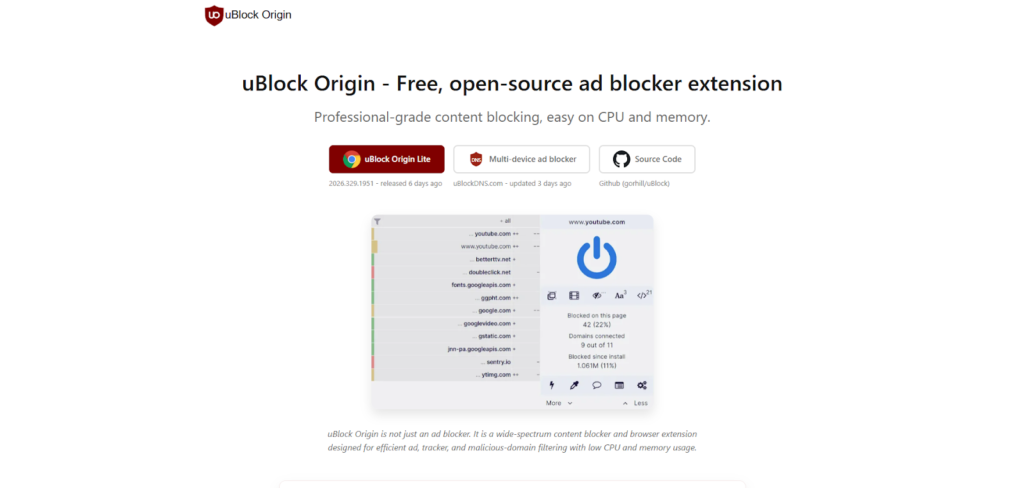
When it comes to free tools, uBlock Origin consistently stands out as the Best Youtube Ad Blocker available today. What makes it so effective is its advanced filtering engine, which doesn’t just hide ads but prevents them from loading in the first place. This reduces both interruptions and data usage, making it especially useful for users with slower connections.
During testing, uBlock Origin delivered one of the most consistent performances across long viewing sessions. It handled pre-roll ads effortlessly and was one of the few tools that managed to block mid-roll ads without triggering YouTube’s anti-adblock warnings. This is largely due to its active development community, which frequently updates filter lists to keep up with YouTube’s changes.
However, there is an important detail to consider. uBlock Origin performs significantly better on Firefox compared to Chrome. This is because Chrome’s newer extension framework limits some of its capabilities. So if you’re serious about finding the Best Youtube Ad Blocker, pairing uBlock Origin with Firefox is currently one of the strongest combinations available.
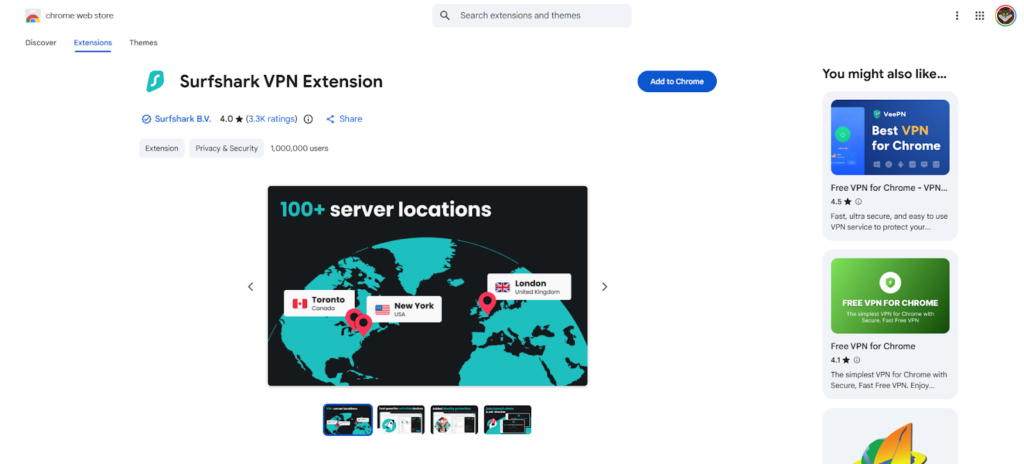
If you’re willing to invest in a paid solution, Surfshark CleanWeb offers a very different kind of experience. Instead of working as a simple browser extension, it integrates with a broader system that blocks ads, trackers, and malicious content across your entire device.
What stood out during testing was its versatility. It didn’t just work on desktop browsers-it also performed well on mobile devices and even smart TVs, which are typically difficult environments for ad blocking. This makes it a strong candidate for the Best Youtube Ad Blocker if you consume content across multiple platforms.
Another advantage is privacy. While many free tools focus only on ads, Surfshark also blocks tracking scripts, which adds an extra layer of protection. This is particularly useful if you’re concerned about data collection and online privacy.
The downside, of course, is the cost. But if you value convenience and cross-device compatibility, it’s a worthwhile investment.
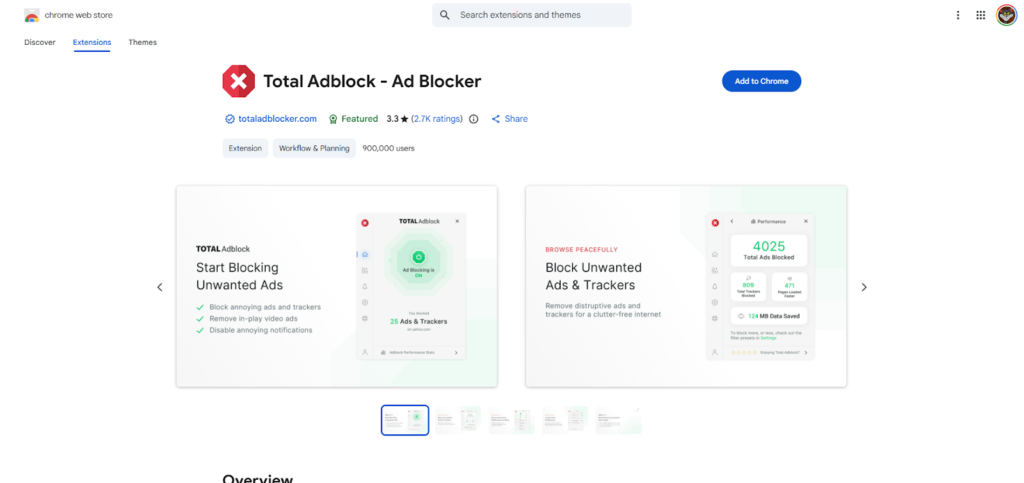
Total Adblock is designed for users who want something that works right out of the box. It doesn’t overwhelm you with settings or technical details-instead, it focuses on delivering a smooth and straightforward experience.
During testing, it performed well in blocking most YouTube ads, especially pre-roll ads. While it occasionally struggled with some mid-roll ads, its overall performance was still solid enough to be considered among the Best Youtube Ad Blocker options for beginners.
What really makes it stand out is its user-friendly interface. Everything is clearly labeled, and you don’t need any technical knowledge to get started. This makes it ideal for users who are new to ad blockers and just want a quick solution.
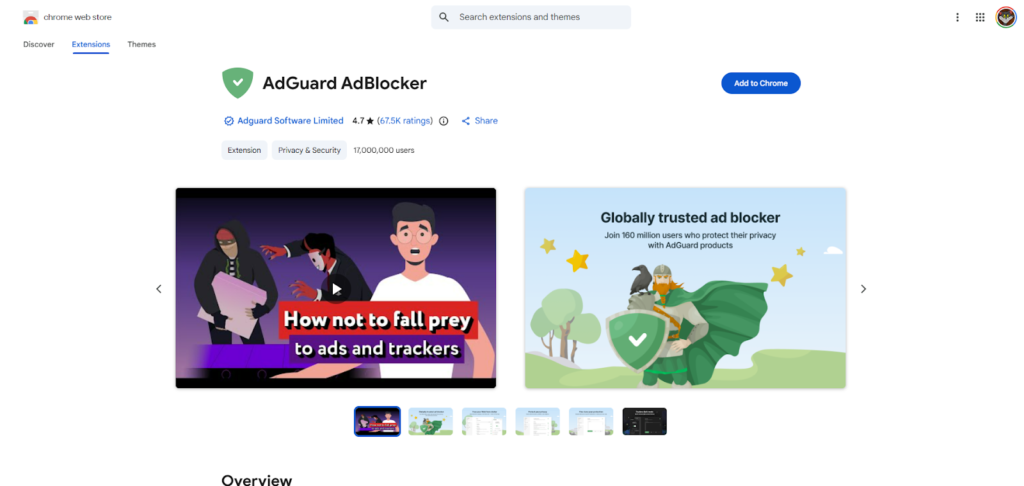
AdGuard takes a more comprehensive approach compared to traditional ad blockers. Instead of focusing only on your browser, it works across your entire system, blocking ads in apps, games, and even other browsers.
This broader coverage makes it one of the most powerful contenders for the Best Youtube Ad Blocker, especially for users who watch YouTube on multiple devices. During testing, it delivered strong performance across both desktop and mobile environments, maintaining a high level of consistency.
One thing I noticed is that AdGuard requires a bit more setup compared to simpler tools. But once configured, it provides a very stable and reliable experience that goes beyond just YouTube.
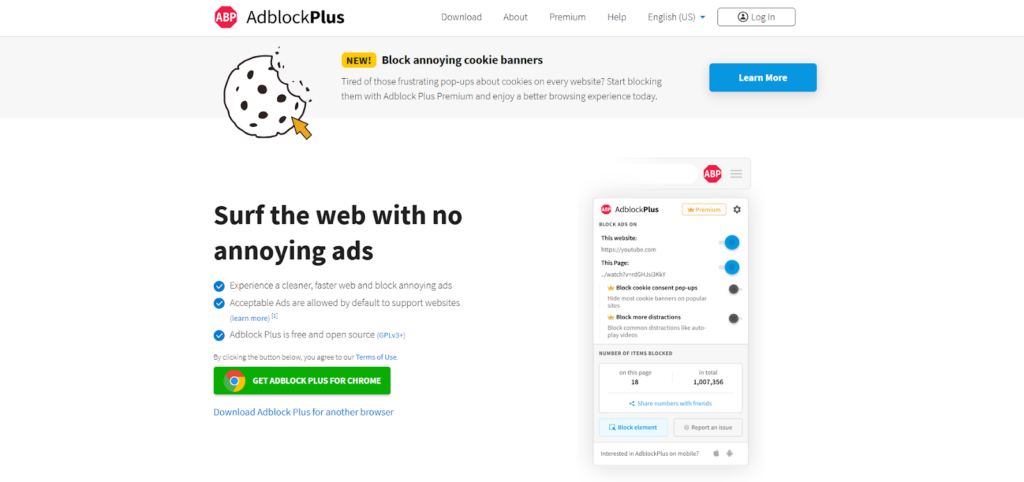
Adblock Plus is one of the oldest and most widely used ad blockers, and for many users, it’s the first tool they try. Its popularity comes from its simplicity and long-standing reputation.
However, in 2026, its performance is somewhat mixed. While it still blocks many ads effectively, it allows certain “acceptable ads” by default, which can reduce its effectiveness on YouTube. To get the best results, you’ll need to manually adjust its settings.
Even with these limitations, it still deserves a place in this list because of its ease of use and widespread support. For casual users, it can still function as a decent Best Youtube Ad Blocker option.
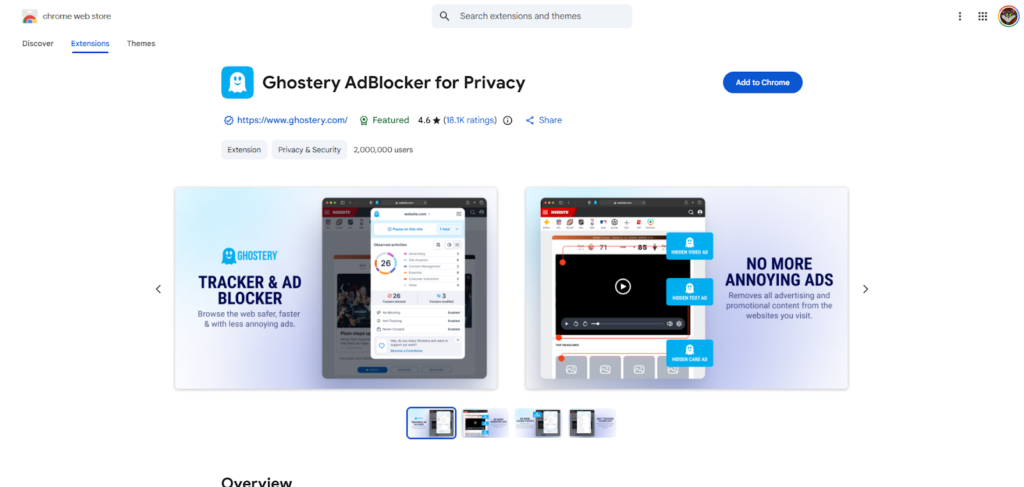
Ghostery takes a slightly different path compared to traditional tools. Instead of focusing only on blocking ads, it’s built around the idea of privacy control. This means it actively identifies and blocks trackers that follow your behavior across websites, including YouTube. While that might sound similar to other tools, the difference lies in how much visibility and control it gives you.
During testing, Ghostery performed reasonably well on YouTube, especially when it came to blocking tracking scripts that load alongside ads. However, when it came to aggressively blocking all video ads-especially mid-roll ads-it wasn’t always as consistent as the top contenders. That said, it still holds its place as a strong alternative when your priority isn’t just removing ads but also understanding what’s happening behind the scenes.
One of the standout features is its clean dashboard, which shows you exactly how many trackers are being blocked in real time. This creates a sense of transparency that many users appreciate. If you’re someone who values both performance and awareness, Ghostery can still qualify as a Best Youtube Ad Blocker option, especially when paired with another lightweight tool.
Not everyone wants to install multiple extensions or tweak settings. Some users just want something that works immediately. That’s where Brave Browser comes in. It’s a full browser with built-in ad blocking, meaning you don’t need to install anything extra to start blocking YouTube ads.
In real-world testing, Brave performed surprisingly well, especially when its “Aggressive” blocking mode was enabled. It handled most pre-roll ads smoothly and reduced interruptions significantly. However, like many built-in solutions, it occasionally struggled with YouTube’s newer anti-adblock techniques, particularly during longer sessions.
What makes Brave appealing is convenience. Everything is already integrated, and you don’t need to worry about compatibility issues between extensions. For many users, this simplicity makes it feel like the Best Youtube Ad Blocker, even if it’s not technically the most powerful.
Another advantage is speed. Because it’s optimized as a browser rather than relying on add-ons, it tends to run smoothly without the lag that some heavier extensions introduce.
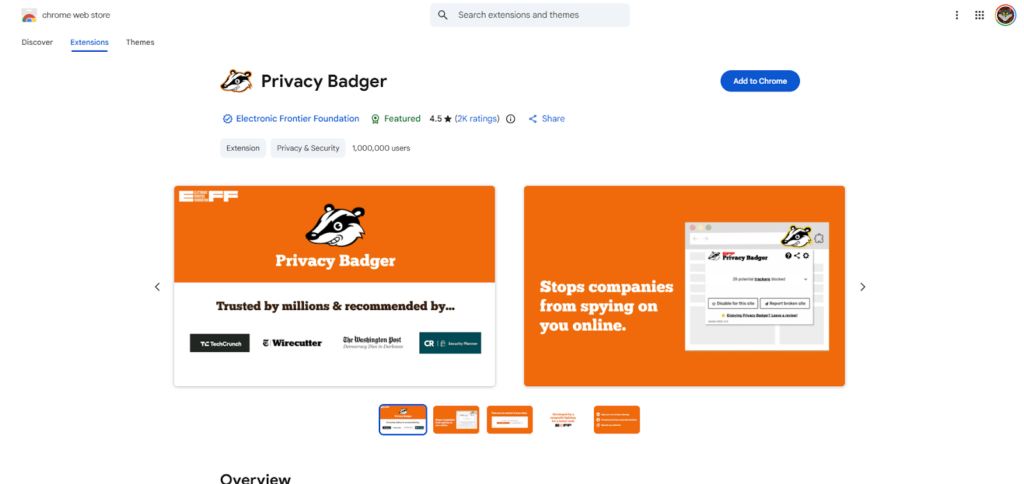
Privacy Badger is one of the most interesting tools on this list because it doesn’t rely heavily on pre-made filter lists. Instead, it learns from your browsing behavior and identifies which domains are tracking you. Over time, it becomes smarter and more effective.
During testing, this approach showed both strengths and weaknesses. On one hand, it was excellent at blocking trackers and improving overall privacy. On the other hand, it wasn’t always aggressive enough to block all YouTube ads immediately, especially when first installed.
This means Privacy Badger isn’t the fastest solution if your main goal is instant results. However, if you’re patient and value long-term adaptability, it can evolve into a fairly effective tool. In that sense, it offers a unique take on what a Best Youtube Ad Blocker can be-not just a blocker, but a learning system.
It’s best suited for users who are curious about how tracking works and prefer a more organic, evolving solution rather than a rigid one.
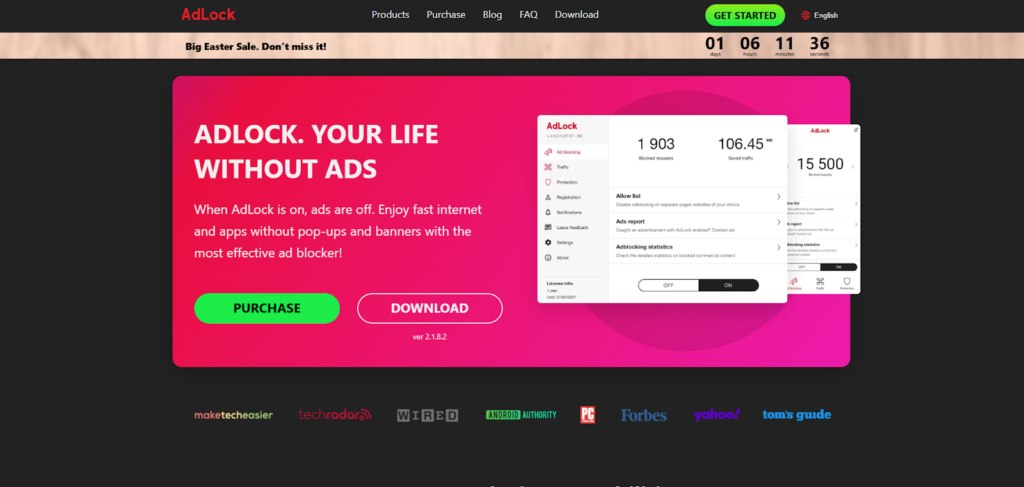
AdLock is a tool that feels like it was built for users who want complete control. Unlike simpler extensions, it offers system-wide blocking and deeper customization options, allowing you to fine-tune exactly what gets blocked and what doesn’t.
In testing, AdLock delivered strong performance across different platforms, including desktop and mobile environments. It handled YouTube ads effectively and maintained consistency over longer sessions, which is something many tools struggle with.
What sets AdLock apart is its flexibility. You can create custom rules, adjust filtering levels, and even control how specific scripts behave. This makes it a strong candidate for the Best Youtube Ad Blocker if you’re comfortable exploring advanced settings.
However, this level of control comes with a learning curve. Beginners might find it slightly overwhelming at first. But for experienced users, it offers a level of precision that few other tools can match.
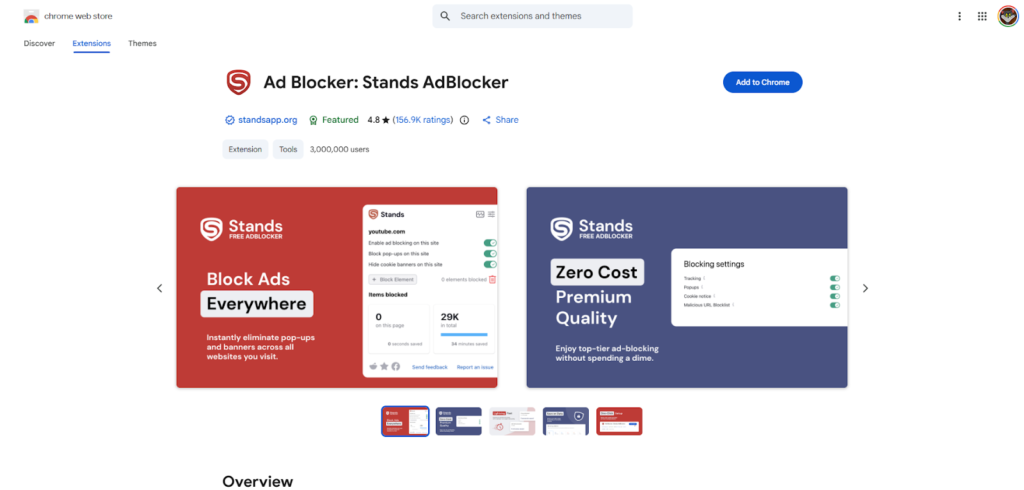
Stands AdBlocker focuses on doing one thing well-keeping things simple. It’s lightweight, easy to install, and doesn’t require much configuration. For users who don’t want to deal with complex tools, it provides a clean and straightforward experience.
During testing, it performed adequately in blocking basic YouTube ads, particularly pre-roll ads. However, it wasn’t as effective against more advanced ad formats or YouTube’s newer detection methods. This means it’s not the strongest contender on this list, but it still has its place.
Its biggest strength is efficiency. It doesn’t consume much memory or slow down your browser, which can be a big advantage on lower-end devices. For casual users, it can still function as a practical Best Youtube Ad Blocker, especially if your expectations are moderate.
| Tool / Extension | Overall Rating | Ad Blocking Accuracy | Anti-Adblock Bypass | Speed Impact | Setup Difficulty | Device Support | Best Use Case | Verdict |
| uBlock Origin | ⭐ 9.8/10 | Extremely High (98–100%) | Excellent | Very Low | Medium | Desktop (Best on Firefox) | Power users who want maximum control | Best Free Youtube Ad Blocker overall |
| Surfshark CleanWeb | ⭐ 9.5/10 | Extremely High | Excellent | Very Low | Easy | Desktop + Mobile + TV | Users who want all-in-one solution | Best Premium Youtube Ad Blocker |
| AdGuard | ⭐ 9.4/10 | Extremely High | Excellent | Low | Medium | All Devices | Multi-device users | Most powerful system-wide blocker |
| Total Adblock | ⭐ 9.0/10 | High (90–95%) | Very Good | Low | Very Easy | Desktop + Mobile (limited) | Beginners | Best simple Youtube Ad Blocker |
| AdLock | ⭐ 8.9/10 | Very High | Excellent | Low | Medium-Hard | All Devices | Advanced users | Best customizable blocker |
| Brave Browser | ⭐ 8.7/10 | High | Good | Very Low | Very Easy | Desktop + Mobile | Users who hate extensions | Best built-in Youtube Ad Blocker |
| Adblock Plus | ⭐ 8.2/10 | Medium-High | Moderate | Medium | Very Easy | Desktop + Mobile | Casual users | Still good but outdated approach |
| Ghostery | ⭐ 8.0/10 | Medium | Moderate | Very Low | Easy | Desktop | Privacy-focused users | Good for tracking, not perfect for ads |
| Stands AdBlocker | ⭐ 7.8/10 | Medium | Moderate | Very Low | Very Easy | Desktop | Lightweight usage | Fast but less powerful |
| Privacy Badger | ⭐ 7.5/10 | Medium-Low (initially) | Weak | Very Low | Easy | Desktop | Tech-savvy users | Improves over time but not instant |
After testing all these tools extensively, one thing became very clear-most ad blockers can block ads, but only a few can do it consistently without issues. The real difference lies in how they handle YouTube’s evolving systems.
The top performers, like uBlock Origin and AdGuard, stand out because they are actively maintained and constantly updated. This allows them to adapt quickly whenever YouTube changes its ad delivery methods. Tools that don’t receive frequent updates tend to fall behind, which is why some popular names no longer perform as well as they used to.
Another major difference is how ads are blocked. Some tools rely on hiding ads visually, while others prevent them from loading entirely. The latter approach is generally more effective and efficient, which is why it’s a key feature of the Best Youtube Ad Blocker tools.
Performance is also a critical factor. A tool might block ads perfectly but slow down your browser in the process. The best solutions strike a balance between power and efficiency, ensuring that your experience remains smooth.
Even the Best Youtube Ad Blocker won’t perform at its full potential if it’s not configured properly. There are a few simple strategies that can make a big difference.
First, keep your tool updated at all times. Many users install an ad blocker and forget about it, but updates are essential for keeping up with YouTube’s changes. An outdated tool is one of the main reasons ads start appearing again.
Second, consider your browser choice carefully. As mentioned earlier, Firefox currently provides better support for advanced ad blockers compared to Chrome. Switching browsers can instantly improve performance without changing anything else.
Another useful tip is to avoid running multiple ad blockers at the same time. While it might seem like a good idea, it often creates conflicts that reduce effectiveness. One strong tool is usually better than several weaker ones combined.
Choosing the Best Youtube Ad Blocker ultimately comes down to your personal needs and preferences. There is no single tool that is perfect for everyone.
If you want a free and highly effective solution, uBlock Origin is hard to beat, especially when used with Firefox. If you’re looking for something more comprehensive that works across multiple devices, Surfshark CleanWeb or AdGuard might be better choices.
For beginners, simplicity matters. Tools like Total Adblock or Brave Browser offer a more user-friendly experience without requiring much setup. On the other hand, advanced users might prefer AdLock for its customization options.
It’s also worth thinking about how you use YouTube. If you watch mostly on desktop, a browser extension might be enough. But if you switch between devices frequently, a system-wide solution becomes more valuable.
After extensive testing and analysis, a clear pattern emerges. There isn’t just one winner-but there are clear leaders depending on your needs.
For most users, uBlock Origin remains the strongest overall choice due to its performance, efficiency, and reliability. For those who want a premium, all-in-one solution, Surfshark CleanWeb offers unmatched versatility. And for users who prefer system-wide control, AdGuard stands out as one of the most powerful options available.
At the end of the day, the Best Youtube Ad Blocker is the one that fits your setup, your habits, and your expectations. The key is to choose a tool that is actively maintained and capable of adapting to YouTube’s constant changes.
Before you leave, here’s something worth thinking about.
While you’re working to remove distractions from your viewing experience using the Best Youtube Ad Blocker, there’s another side to the equation-creating content that actually stands out.
That’s where aitinsider comes in.
If you’re a YouTuber, blogger, or online business owner, you already know how important visuals are. Thumbnails, banners, and images can make or break your content. At aitinsider, we specialize in professional image editing services designed to help your content grab attention instantly and stand out in crowded platforms.
Whether you need eye-catching YouTube thumbnails or polished visuals for your website, we’re here to help you elevate your content to the next level.