
Video editing today is no longer limited to short clips or simple timelines. If you are working with 4K or even 8K footage, your storage becomes just as important as your camera or editing software. Large video files, complex projects, and tight deadlines demand fast, reliable, and spacious external storage. That is why choosing the Best External Hdd for Video Editing is not a small decision. It directly affects how smooth your editing experience will be and how safe your valuable projects remain.
Many creators start with whatever external drive they can find, only to realize later that slow transfer speeds, random disconnections, or limited capacity can ruin productivity. A dropped frame, a frozen preview, or corrupted footage is not just annoying, it can cost real money and reputation. Whether you are a YouTuber, freelance editor, filmmaker, or content creator working with brands, your storage setup is part of your professional toolkit.
In this guide, we will walk through what truly makes the Best External Hdd for Video Editing, which features matter the most for modern workflows, and which external hard drives stand out for handling heavy 4K and 8K projects. The goal is simple: help you invest in the right drive with confidence, without drowning you in unnecessary technical jargon.
Why External HDDs Still Matter for Video Editing
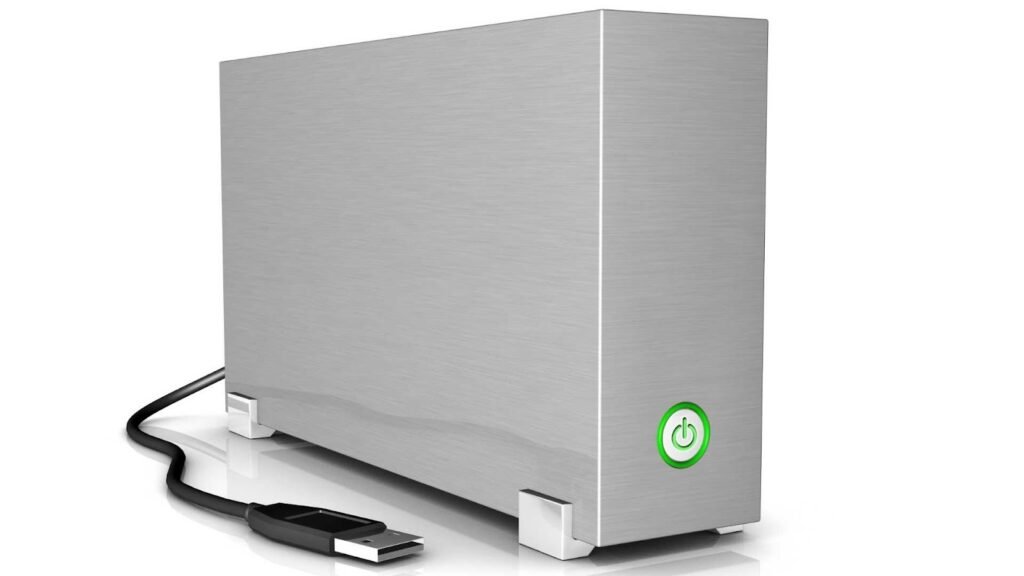
With SSDs becoming more popular, many people assume traditional hard drives are outdated. In reality, external HDDs still play a critical role in professional video editing workflows. They offer massive storage at a much lower cost compared to SSDs, making them perfect for archiving, project backups, and storing raw footage that can easily exceed hundreds of gigabytes per project.
For long-form projects, documentaries, wedding films, and commercial shoots, storage needs grow very fast. An external HDD allows you to keep everything organized without filling up your main system drive. When chosen carefully, the Best External Hdd for Video Editing can deliver consistent performance for editing directly from the drive or for managing large media libraries smoothly.
Another advantage is reliability over time. Many professional editors use a combination of SSDs for active projects and HDDs for storage and backup. This hybrid approach keeps costs reasonable while maintaining performance where it matters most.
What Makes an External HDD Good for 4K and 8K Editing
Not all external hard drives are suitable for video editing. Regular storage drives used for documents or photos may struggle when handling high-resolution footage. To identify the Best External Hdd for Video Editing, there are several practical factors you should always consider.
Transfer speed is the first. Video files are large, and slow drives will create bottlenecks when importing footage or exporting final projects. Drives using USB 3.1, USB 3.2, or USB-C connections offer much better speeds than older USB standards.
Capacity is equally important. A single hour of 4K footage can easily consume hundreds of gigabytes. 8K footage can multiply that number. A good editing drive should start at least from two terabytes, with higher capacities preferred for professionals.
Durability also matters, especially if you travel or work on location. Shock resistance, solid casing, and stable internal components protect your data from accidental drops or rough handling.
Finally, consistent performance and low failure rates define a trustworthy drive. Editing work cannot afford random disconnects or corrupted sectors. The Best External Hdd for Video Editing must be stable enough for daily heavy use.
Understanding Workflow Needs Before Choosing a Drive
Every editor has a slightly different workflow. Some edit directly from the external drive, while others copy files to internal storage first. Some creators work alone, while others collaborate with teams. Understanding your own process helps narrow down the best choice.
If you edit directly from your drive, speed becomes more important. You will want a drive with fast read and write performance to avoid lag during playback. If your external drive is mainly for backup and storage, capacity and reliability become the top priorities.
Portable drives suit freelancers who move between studios or client locations. Desktop external HDDs, on the other hand, offer larger capacities and better cooling, making them ideal for permanent editing setups.
No matter your workflow, investing in the Best External Hdd for Video Editing ensures that storage never becomes the weakest link in your production chain.
Seagate Backup Plus Hub – A Reliable All-Rounder
Seagate has built a strong reputation in the storage industry, and the Backup Plus Hub is one of their most popular external HDDs for creative professionals. It offers large capacities that comfortably support high-resolution video projects without pushing your budget too far.
This drive connects through USB 3.0, which provides solid transfer speeds for moving large files. While it may not match SSD performance, it handles 4K footage efficiently for most editing software. For 8K projects, it works best as a storage and backup solution rather than an active editing drive.
Its desktop design allows for better cooling during long file transfers, reducing the risk of overheating. For editors who need dependable storage with generous capacity, this model often earns its place among the Best External Hdd for Video Editing options.
Western Digital My Book – Trusted Storage for Large Projects
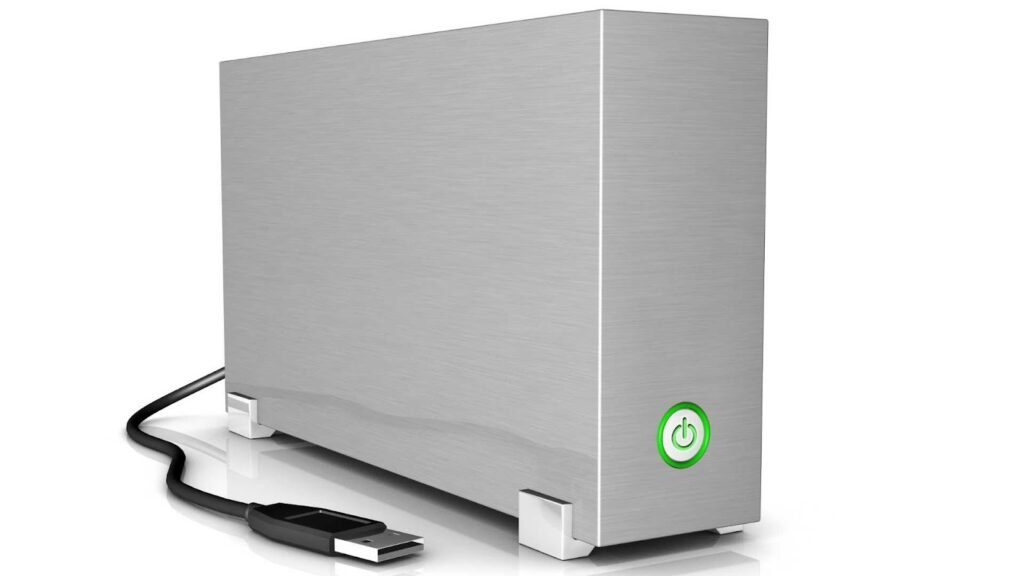
Western Digital is another major player trusted by professionals worldwide. The My Book series is designed for long-term reliability and high-capacity storage, making it ideal for editors dealing with massive libraries of footage.
It supports USB 3.0 connectivity and offers automatic backup features for added data protection. This is particularly valuable for editors who cannot afford to lose client projects due to accidental deletion or hardware failure.
While it is not built for portability, its stability and capacity make it excellent for studio-based workflows. Many editors consider it the Best External Hdd for Video Editing when their main priority is storing large volumes of 4K and 8K footage securely.
LaCie d2 Professional – Built for Creative Workloads
LaCie drives are well known in the creative industry for their design and performance. The d2 Professional series is specifically built for photographers and video editors who need consistent speed and reliability.
It offers USB-C connectivity, which is ideal for modern laptops and desktops. Transfer speeds are higher than traditional USB 3.0 drives, allowing smoother handling of large video files.
The aluminum enclosure helps dissipate heat efficiently, ensuring stable performance during long editing sessions. For editors working daily with heavy footage, this drive is often mentioned when discussing the Best External Hdd for Video Editing in professional environments.
Toshiba Canvio Advance – Portable and Budget Friendly
Not every editor needs a large desktop drive. Some creators prefer lightweight and portable solutions for travel or quick file transfers between systems. The Toshiba Canvio Advance fits this role perfectly.
It offers decent transfer speeds through USB 3.0 and comes in multiple storage sizes. While it is not designed for sustained heavy workloads, it performs well for moderate 4K editing and project backups.
For beginners or content creators working with limited budgets, this drive provides excellent value. It proves that finding the Best External Hdd for Video Editing does not always mean choosing the most expensive option.
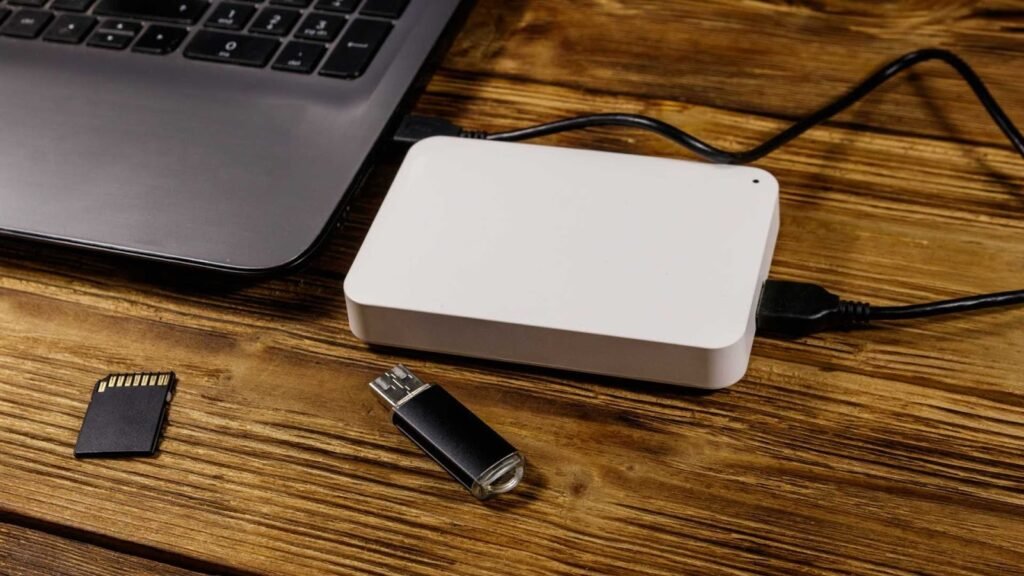
G-Technology G-Drive – Performance Meets Professional Design
G-Technology focuses heavily on creative professionals, and their G-Drive external HDD is built with that audience in mind. It offers high-capacity storage with USB-C connectivity, making it suitable for modern editing systems.
The drive is engineered for sustained performance, which is critical when transferring or rendering large video files. It integrates well with macOS systems but works equally well with Windows.
For studios handling multiple projects at once, the G-Drive provides the consistency required to maintain smooth workflows. It often ranks highly among editors searching for the Best External Hdd for Video Editing for professional use.
WD Black D10 – Designed for Speed and Heavy Usage
Originally marketed toward gamers, the WD Black D10 has found a place in video editing setups due to its strong performance characteristics. It offers higher rotational speed compared to standard HDDs, which results in faster file access.
This advantage becomes noticeable when scrubbing through large video files or transferring raw footage. Its sturdy design also adds durability for long-term use.
For editors who want HDD storage but with a focus on speed, this model is a serious contender for the Best External Hdd for Video Editing, especially for 4K workflows.
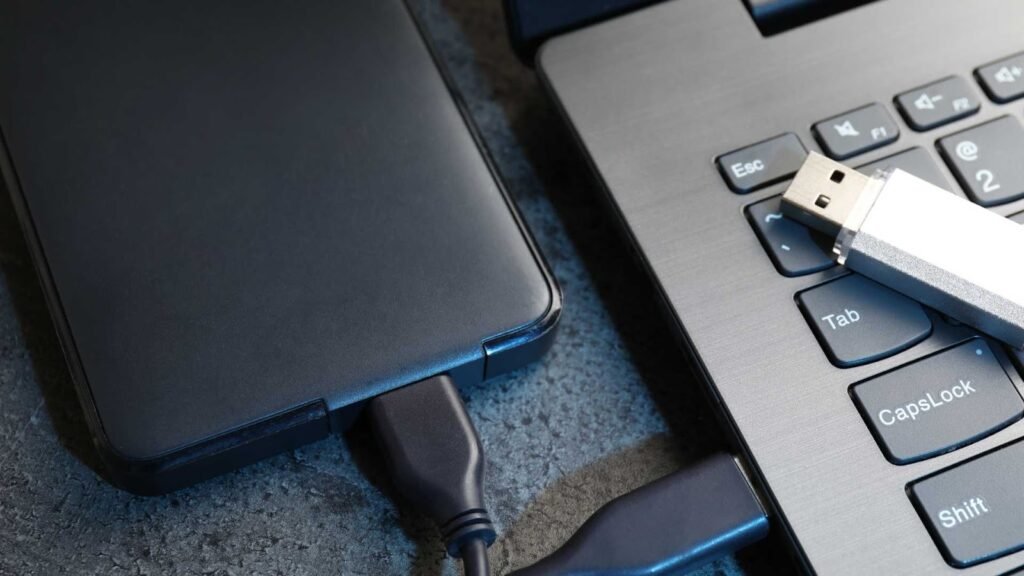
Seagate IronWolf – Built for Continuous Operation
The IronWolf series is designed for NAS systems but is often used as an external solution for video editing due to its durability and consistent performance. It is built to operate continuously, which means it handles heavy workloads without degradation.
Editors working on long projects or rendering for hours at a time benefit from its stability. While it may require an external enclosure, the performance and lifespan justify the setup.
For professionals who value reliability over portability, IronWolf drives frequently appear in discussions about the Best External Hdd for Video Editing.
LaCie Rugged – Perfect for Travel and Field Work
For editors who travel frequently or work outdoors, durability is just as important as performance. The LaCie Rugged series is designed to survive drops, dust, and rough environments.
It supports USB-C connections and offers respectable speeds for 4K editing tasks. Although its capacity options are slightly lower than large desktop drives, its reliability in harsh conditions makes it invaluable.
When your projects depend on footage captured in unpredictable locations, choosing the Best External Hdd for Video Editing also means choosing physical protection, and this drive delivers exactly that.
Performance Expectations with 4K and 8K Footage
Editing 4K footage on a quality external HDD is generally smooth if your system is properly optimized. Playback, trimming, and color grading are manageable, especially when using proxy files or optimized media.
8K footage, however, is far more demanding. Even the Best External Hdd for Video Editing may struggle with real-time playback of native 8K files. In such cases, editors often rely on SSDs for active editing and HDDs for storage, backup, and project organization.
Understanding these limitations helps set realistic expectations and ensures you choose the right combination of tools for your workflow.
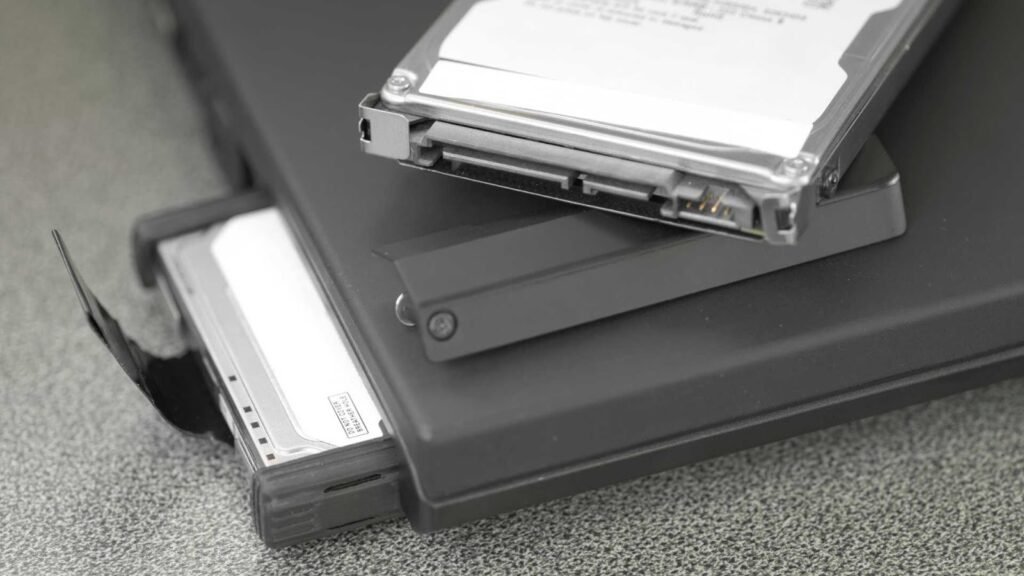
How to Choose the Best Option for Your Budget
Budget plays a significant role in any purchasing decision. The good news is that the market offers reliable options across all price ranges.
If you are just starting out, portable drives like Toshiba Canvio or WD Elements provide enough performance for small projects. Mid-range editors can look toward Seagate Backup Plus or Western Digital My Book for better capacity and reliability. High-end professionals may prefer LaCie or G-Technology models for their performance and build quality.
No matter the budget, the Best External Hdd for Video Editing is the one that balances speed, capacity, reliability, and cost according to your real needs.
Final Thoughts: Choosing the Best External Hdd for Video Editing
If you’ve made it this far, you’re already thinking like an editor who wants fewer surprises: enough storage, predictable performance, and a setup that won’t collapse mid-project.
To recap in plain terms: desktop HDDs are the best value for big libraries and long-term storage; portable HDDs are best for moving projects and backups; rugged HDDs are best when your work happens outside a controlled studio.
No matter which model you choose, you’ll get the most from your purchase by pairing it with a clean workflow: keep your cache fast, organize your folders, and back up consistently. That’s how you turn a drive into a real production system.
And when your footage is finally edited, delivered, and ready to look its absolute best -remember that polish matters. If you need professional image editing services for thumbnails, product visuals, portraits, or any graphics that support your video brand, visit aitinsider. We help creators and businesses refine visuals so their content looks clean, consistent, and ready to convert.