
Linux Video Editing Software has grown massively over the past few years. If you are a creator, YouTuber, filmmaker, student, or hobbyist using Linux, you no longer need to feel left out of the video-editing world. Today, Linux Video Editing Software offers powerful features, smooth interfaces, professional exporting options, and tools that easily compete with popular Windows and macOS editors. The best part is that many of these editors are open source and completely free to use, which makes Linux Video Editing Software even more attractive for beginners and professionals alike.
In this guide, we will walk through the 10 best tools for 2026. We’ll explain what each one does, who it’s best for, and why people love using Linux for editing videos. The goal of this article is informational: to help you understand Linux Video Editing Software clearly, choose the right tool, and feel confident starting your editing journey. I’ll talk to you in a friendly way, just like we’re sitting together and exploring the options one by one.
If you are new to Linux Video Editing Software, don’t worry. You don’t need to be a technical expert. Many editors today are beginner-friendly with drag-and-drop timelines, effect libraries, and simple export presets. At the same time, advanced editors will find professional color grading, audio mixing, motion tracking, multicam editing, and compositing abilities. So whether your dream is editing vlogs, school projects, social media clips, or full-length films, Linux Video Editing Software gives you everything you need.
Another nice thing about Linux Video Editing Software is the community support. Since many tools are open source, you will find active forums, GitHub pages, documentation, and tutorial videos online. If you ever get stuck, other users and developers are usually happy to help. This makes learning fun and collaborative instead of overwhelming.
In this article, we will explore the best Linux Video Editing Software for 2026 in detail. We will cover popular options like Kdenlive, Shotcut, OpenShot, Blender, DaVinci Resolve for Linux, and more. We will also discuss what makes each tool stand out and how you can choose the best one for your workflow. Sit back, relax, and let’s dive into the world of Linux Video Editing Software together.
Before we look at the best tools, it’s important to understand what Linux Video Editing Software actually means. At its core, this phrase refers to video editing applications that run natively on Linux distributions such as Ubuntu, Fedora, Linux Mint, Debian, Pop!_OS, Manjaro, and others. Years ago, people often assumed video editing wasn’t practical on Linux, but that is no longer true. Today, Linux Video Editing Software supports high-resolution editing, including 4K and even 8K, depending on hardware.
Linux Video Editing Software can be divided into different types. Some programs offer basic editing, like cutting, trimming, transitions, and simple titles. Others provide professional post-production tools, such as node-based compositing, advanced color grading, motion graphics, and VFX. Some are completely free and open source, while others are paid proprietary software with Linux versions. All of them together form a rich ecosystem.
Another important aspect is performance. Linux is known for being lightweight and efficient. Many users find that Linux Video Editing Software runs smoother on the same hardware compared to heavier operating systems. With the right drivers and configuration, render times can be surprisingly fast, making Linux very appealing for editing workstations.
There are several reasons why creators are switching to Linux Video Editing Software in 2026. First, cost savings. Many powerful Linux editors are free. You do not need to buy expensive licenses or subscriptions just to cut a video or add music. This is especially helpful for students, freelancers, and small creators.
Second, freedom and control. Linux Video Editing Software often allows customization at deep levels. You can adjust themes, tweak settings, add plugins, and sometimes even edit the source code. This level of flexibility is rare in closed-source ecosystems.
Third, stability and security. Linux is known for reliability. Crashes still happen in video editing, but many users report fewer system interruptions. For long editing sessions, events, documentaries, or wedding films, stability really matters.
Finally, community and innovation. Developers constantly improve Linux Video Editing Software, adding new features year after year. 2026 continues this trend with better GPU acceleration, improved codecs, smarter interfaces, and enhanced cross-platform compatibility.
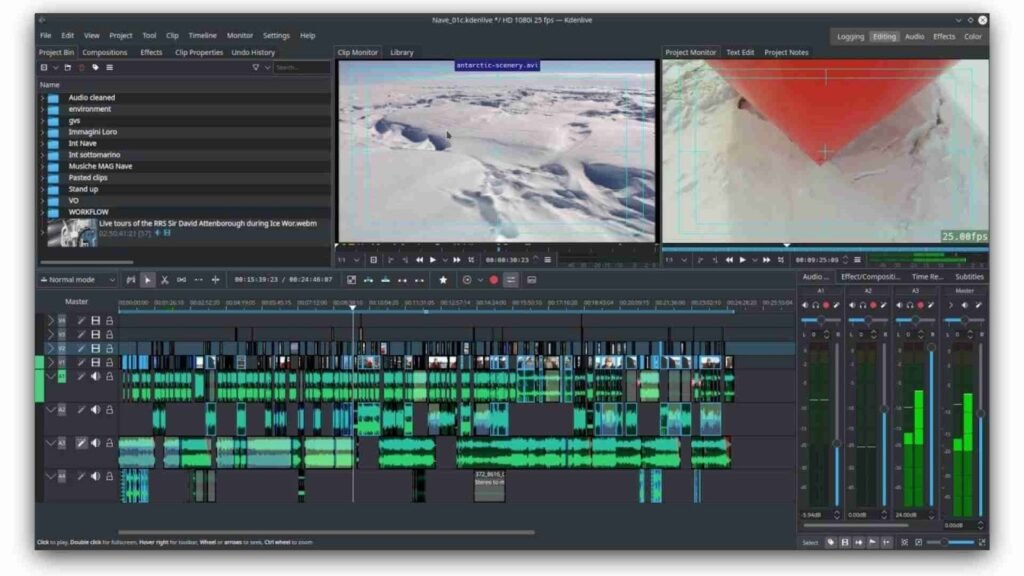
Kdenlive is often the first name people hear when discussing Linux Video Editing Software. It is open source, free, and feature-rich enough for both beginners and advanced editors. The interface uses a familiar multi-track timeline, preview monitor, media bin, and effect panels. If you have used editors like Adobe Premiere Pro or Final Cut, you will feel comfortable here.
Kdenlive supports keyframe animation, proxy editing for slow machines, color correction tools, title templates, audio adjustments, and various transitions. It handles many file formats thanks to FFmpeg integration. Many YouTubers fully edit their videos using Kdenlive because it is powerful yet simple to learn.
You can learn more about Kdenlive on its official website, which is easy to find online.
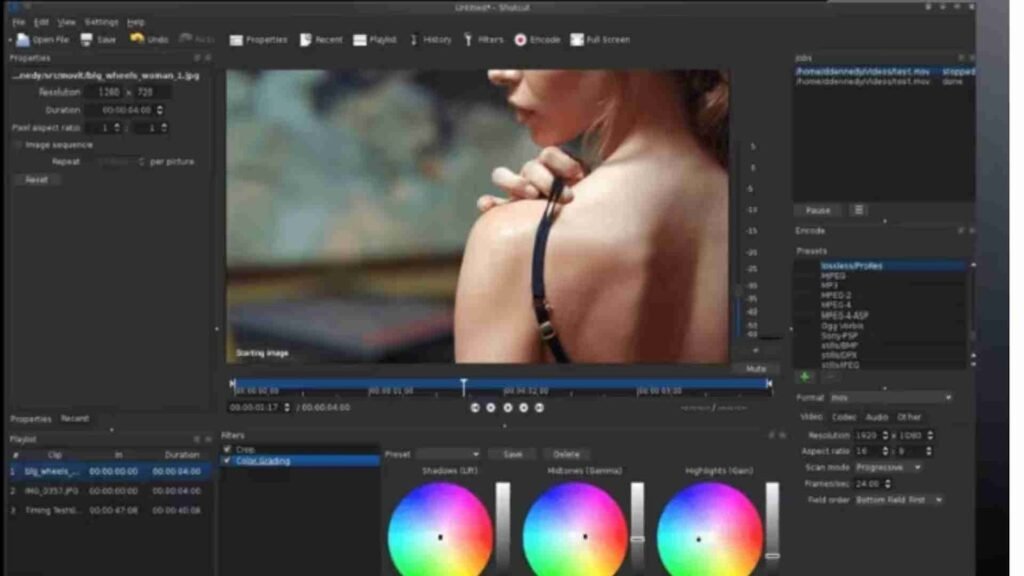
Shotcut is another excellent Linux Video Editing Software tool, known for its clean and minimal interface. Beginners love Shotcut because it does not feel intimidating. You can drag videos into the timeline, trim clips, add filters, and export without having to study a thick manual first.
At the same time, Shotcut is not “basic.” It supports 4K editing, hardware acceleration, color grading filters, chroma keying (green screen), audio filters, and many export presets. It is cross-platform, meaning you can also run it on Windows and macOS, which is helpful if you work on multiple systems.
If you are starting and want Linux Video Editing Software that feels comfortable and friendly, Shotcut is a wonderful choice.
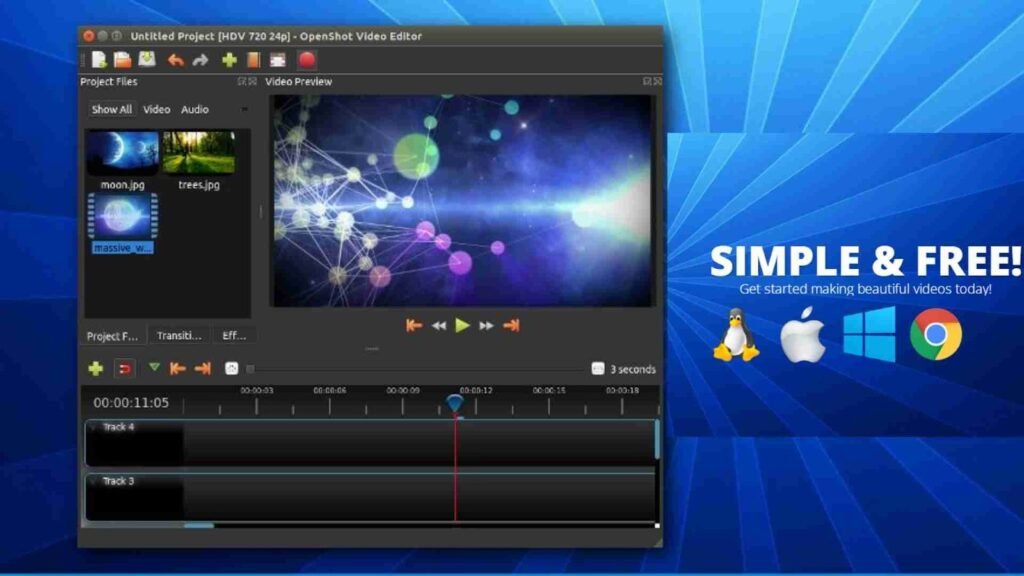
OpenShot is designed with simplicity in mind. Many users who are absolutely new to Linux Video Editing Software choose OpenShot because it is visually straightforward. It focuses on ease of use rather than overwhelming complexity.
You can cut and trim clips, add titles, create animations, and apply basic effects. It includes a powerful title editor that works well for YouTube intros or simple text overlays. OpenShot is especially suitable for school projects, tutorial videos, small businesses, or personal content.
While OpenShot might not be as advanced as some other Linux Video Editing Software options, its simplicity is exactly what makes it appealing.
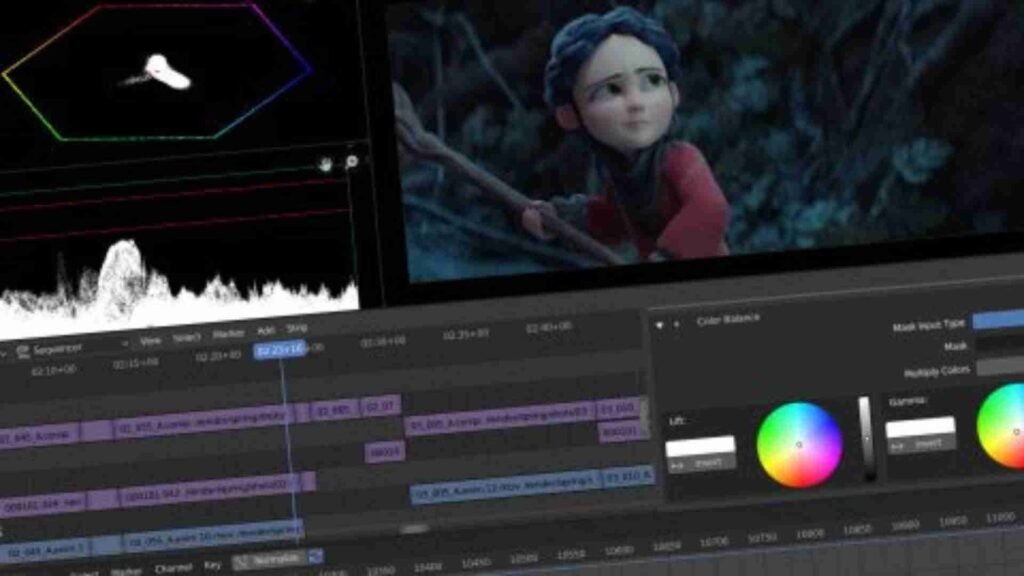
Blender is famous as a 3D modeling and animation tool, but many people forget it also includes a full video editor called the Video Sequence Editor (VSE). This makes Blender one of the most interesting Linux Video Editing Software options because it combines video editing, 3D animation, motion graphics, and VFX in one program.
With Blender, you can edit timelines, mix audio, add transitions, and perform compositing. If you work with 3D titles, animated logos, or motion design, Blender is incredibly powerful. It is definitely more advanced and may have a learning curve, but once you get used to it, the possibilities are enormous.
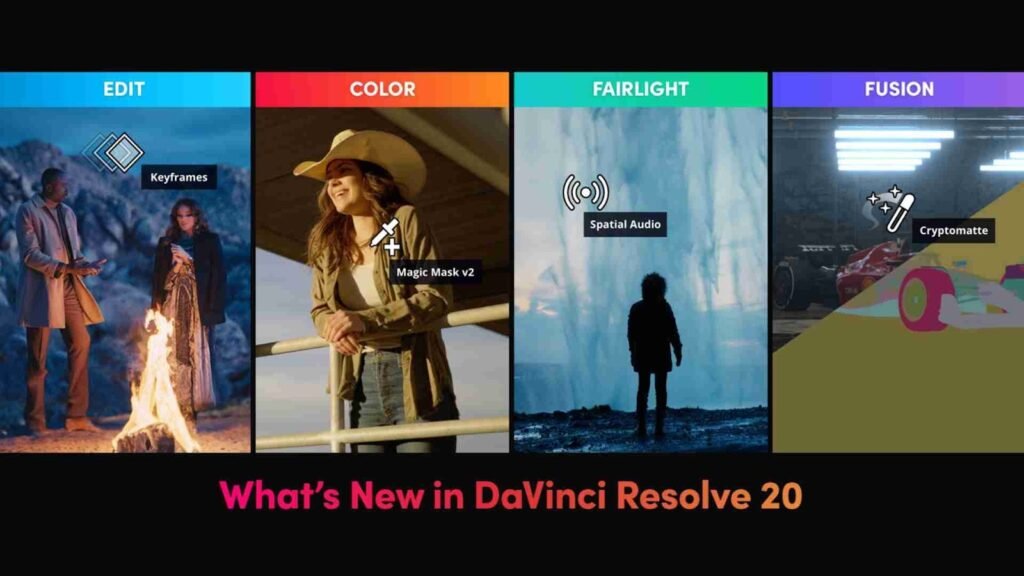
DaVinci Resolve is widely respected in the film and television industry. The Linux version brings true professional power to Linux Video Editing Software users. Resolve is known especially for color grading, which is used in Hollywood productions.
With DaVinci Resolve you can perform non-linear editing, color correction, Fairlight audio mixing, Fusion visual effects, and collaboration tools. It does require stronger hardware, especially a capable GPU, but the results are stunning. If your dream is cinematic projects, documentaries, or high-end YouTube content, this Linux Video Editing Software is a top contender.
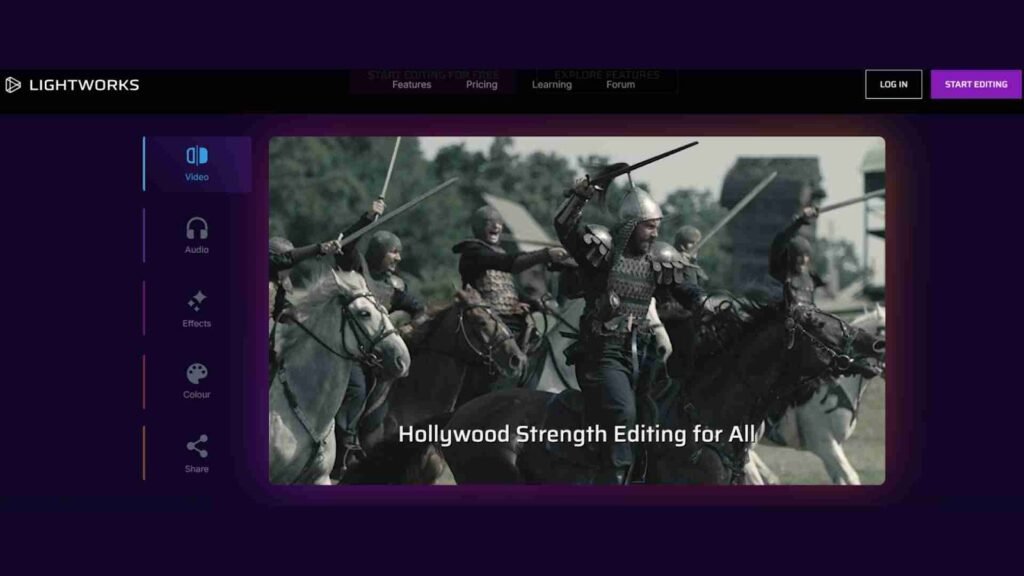
Lightworks has existed for decades and has been used in professional environments. There is a Linux version available, making it another respected Linux Video Editing Software solution. Lightworks offers a polished interface, advanced trimming tools, multicam editing, and several export options.
The free version is suitable for most casual creators, while the pro version unlocks additional features. Lightworks is ideal for editors who want a professional workflow design without moving away from Linux.
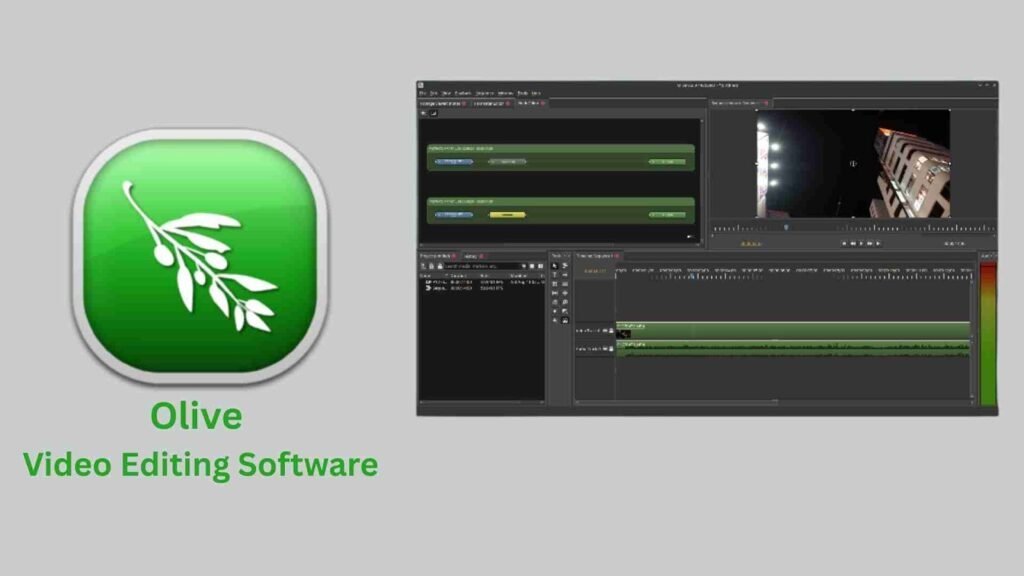
Olive is a newer nonlinear editor that has gained attention for being modern and fast. Still under active development, Olive aims to become a fully-featured professional Linux Video Editing Software alternative. The interface is sleek, responsive, and beginner-friendly.
Even though development is ongoing, many users already edit full projects with Olive because of its smooth performance and intuitive layout. It represents the future of Linux Video Editing Software and is definitely worth watching in 2026.
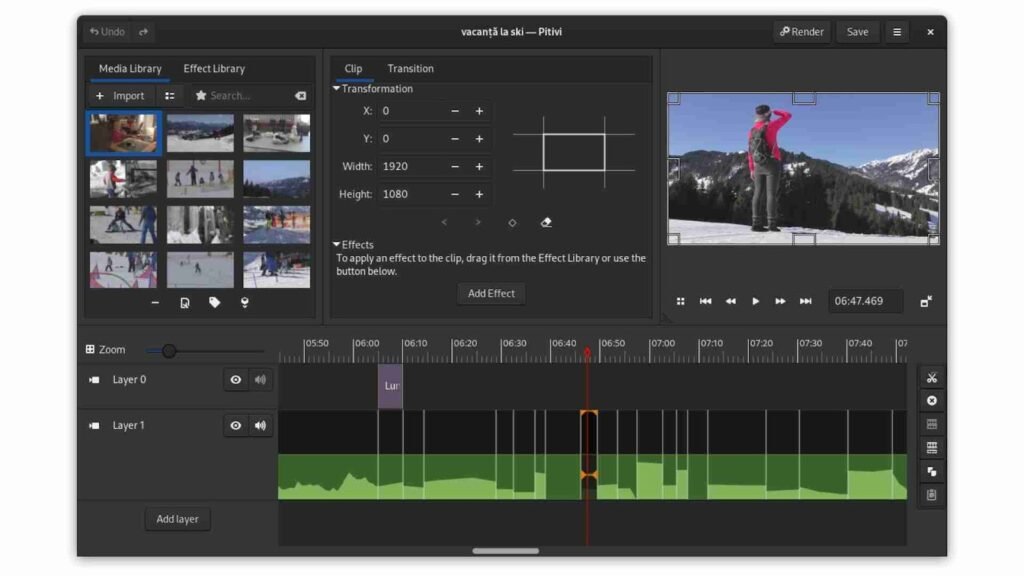
Pitivi integrates beautifully with GNOME desktops and focuses strongly on usability and design. If you are seeking Linux Video Editing Software that feels native to the Linux environment, Pitivi is a cozy choice. It provides essential editing tools, transitions, effects, and an interface designed for clarity.
Pitivi’s philosophy is that video editing should be accessible to everyone, not just professionals. That makes it an excellent option for beginners, educators, and casual editors.
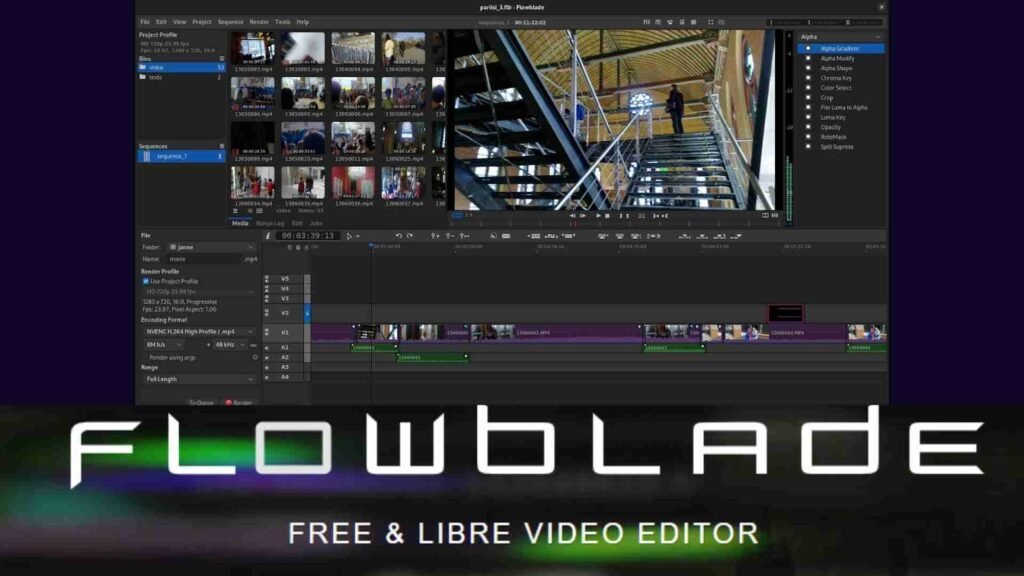
Flowblade is another open-source Linux Video Editing Software that emphasizes speed and efficiency. It uses a multitrack timeline with smart editing tools and offers compositing and image filtering features. Many users appreciate its lightweight nature, making it perfect for older or low-spec machines.
If your hardware is modest or you prefer a faster, simpler editor, Flowblade may become your daily driver.
Cinelerra is one of the oldest Linux Video Editing Software tools and was considered extremely advanced at the time of its release. Even today, it offers powerful features such as professional audio handling, compositing, and high-resolution editing.
Its interface may feel less modern compared to newer tools, but experienced editors love it for its raw power. If you enjoy classic Linux software that focuses on capability rather than looks, Cinelerra remains an impressive option.
With so many choices, selecting the right Linux Video Editing Software can feel confusing. The best way is to think about your goals. If you are a beginner who just wants to cut clips and add music, OpenShot or Shotcut will be perfect. If you want advanced control and industry-level tools, DaVinci Resolve or Blender might suit you better. If you enjoy a traditional timeline with strong community support, Kdenlive is a wonderful middle ground.
You should also consider your hardware. Heavy programs require stronger GPUs and RAM. Lighter Linux Video Editing Software options like Flowblade or Shotcut run smoothly even on older computers.
In 2026, Linux video editing software is powerful, flexible, and ready for all kinds of creators. From casual vlog editors to professional filmmakers, there is a tool for everyone. In the next section, we will continue this article with deeper guidance on workflows, tips for smooth performance, recommended system setups, and conclusions to help you master Linux Video Editing Software completely.
Before we wrap up this first part, here’s something important. If you need image editing services for thumbnails, product photos, portraits, or any visual content to support your video projects, you can always visit aitinsider. At aitinsider, we are happy to help you enhance your visuals and make your content stand out.