
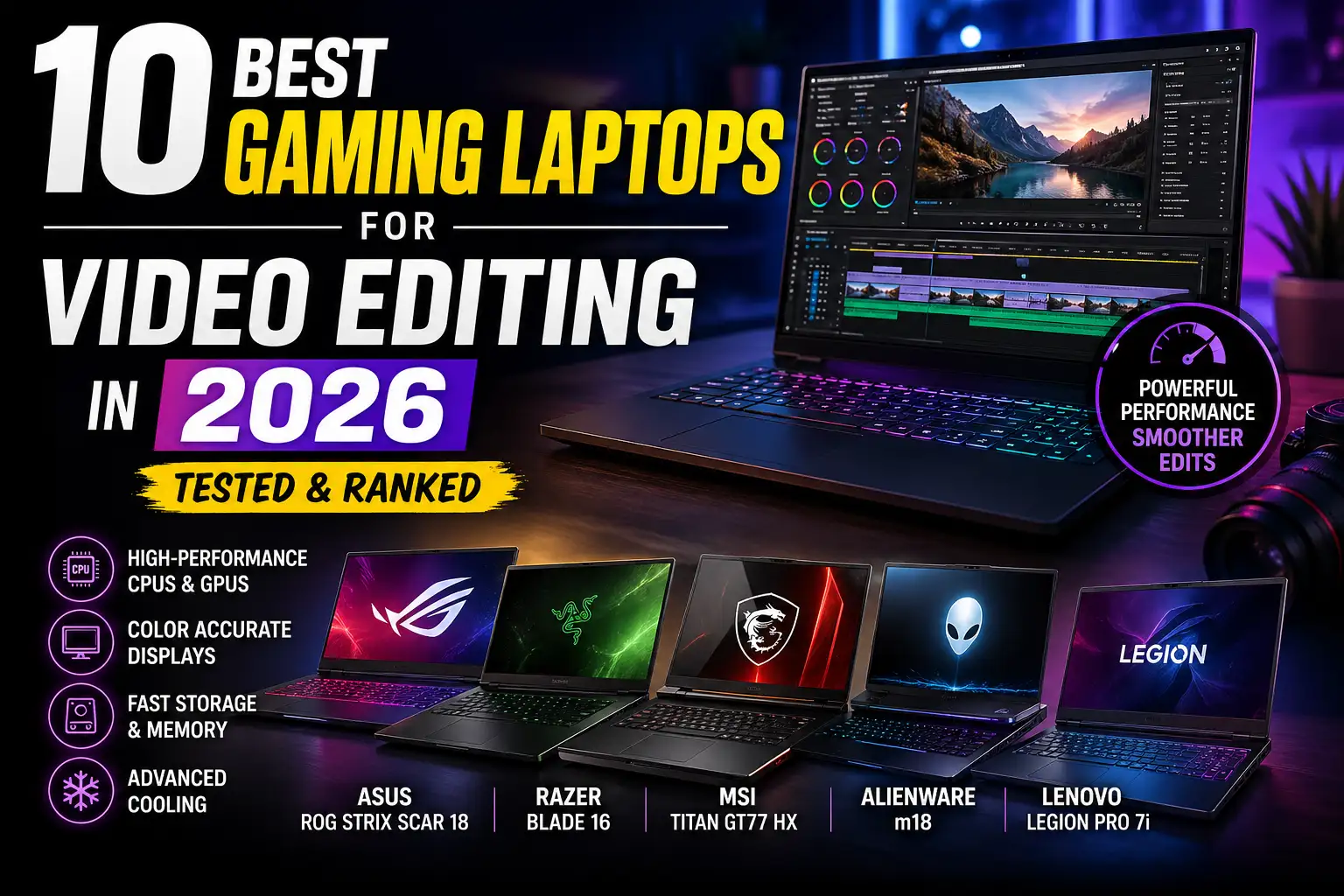
Finding the Best Gaming Laptop for Video Editing in 2026 is no longer just about raw specs-it’s about choosing a machine that actually speeds up your workflow, reduces rendering time, and keeps your creative process smooth from start to finish.
If you’ve ever experienced lag while scrubbing through a timeline, slow exports, or crashes during color grading, you already know how frustrating a weak system can be. Modern video editing-especially 4K and 8K-demands serious hardware. That’s why more creators are now choosing gaming laptops over traditional editing machines.
Gaming laptops are built for sustained performance. They come with powerful GPUs, advanced cooling systems, and high-refresh displays-all of which translate directly into faster editing, smoother playback, and better productivity.
But here’s the problem: not every gaming laptop is actually good for editing.
Some prioritize gaming FPS over color accuracy. Others have powerful GPUs but poor thermal management. That’s why this guide focuses only on tested, creator-friendly machines that genuinely qualify as the Best Gaming Laptop for Video Editing in 2026.
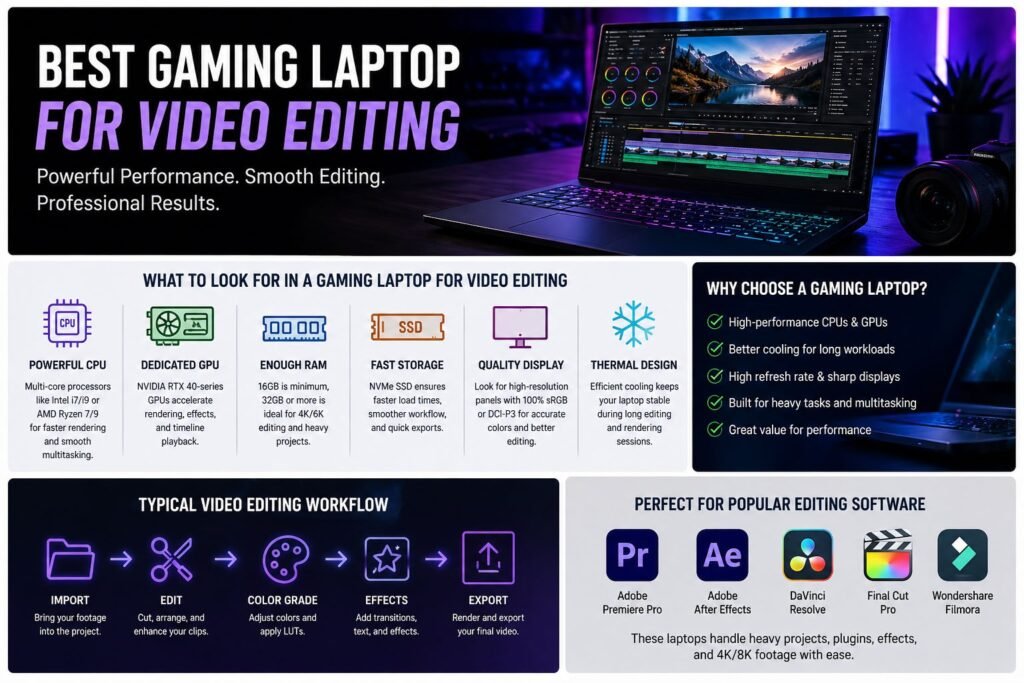
What Actually Matters for Video Editing Performance?
Before we jump into the list, let’s quickly break down what separates a good laptop from a great one.
The processor (CPU) is your foundation. Editing software like Premiere Pro depends heavily on multi-core performance. A modern Intel Core i7/i9 or AMD Ryzen 7/9 is essential.
The GPU is where gaming laptops shine. RTX 40-series and newer GPUs accelerate rendering, effects, and playback dramatically. NVIDIA’s RTX architecture is especially optimized for creative workloads.
RAM is your workflow buffer. While 16GB is the minimum, serious editors should aim for 32GB or more. Heavy timelines, plugins, and multitasking quickly consume memory.
Storage speed matters more than capacity. NVMe SSDs drastically improve load times, caching, and export speeds.
And finally-display quality. For editing, color accuracy matters more than refresh rate. A poor display can ruin your grading decisions.
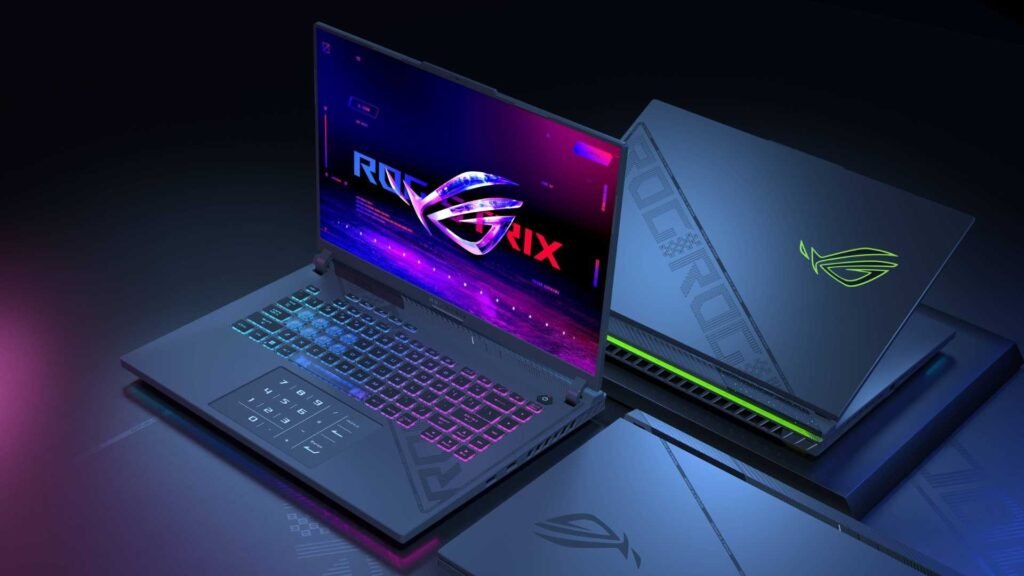
1. ASUS ROG Strix Scar 18 – True Desktop-Class Power for Professional Editors
If you’re looking for the Best Gaming Laptop for Video Editing without compromises, the ASUS ROG Strix Scar 18 sits at the top for a reason-it behaves more like a workstation than a laptop.
What separates this machine isn’t just specs, but sustained wattage performance. Many laptops advertise RTX 4090 GPUs, but they run them at lower power limits. The Scar 18 pushes higher wattage consistently, which directly impacts real editing performance-faster exports, smoother playback, and better handling of heavy timelines.
In practical workflows, this means you can:
- Edit multi-layer 4K timelines without proxy files
- Work with RAW or LOG footage smoothly
- Apply color grading, LUTs, and effects without playback lag
The 18-inch display is more than just size-it improves editing efficiency. A larger timeline view reduces constant zooming and makes precision edits easier, especially in long-form projects.
Thermals are where this laptop truly dominates. Its advanced cooling system prevents throttling during long renders, which is critical if you’re exporting large client projects or working on deadlines.
The only trade-offs are portability and price. It’s large, heavy, and expensive-but that’s expected for this level of performance.
👉 Choose this if you want a no-compromise editing machine that replaces your desktop entirely.
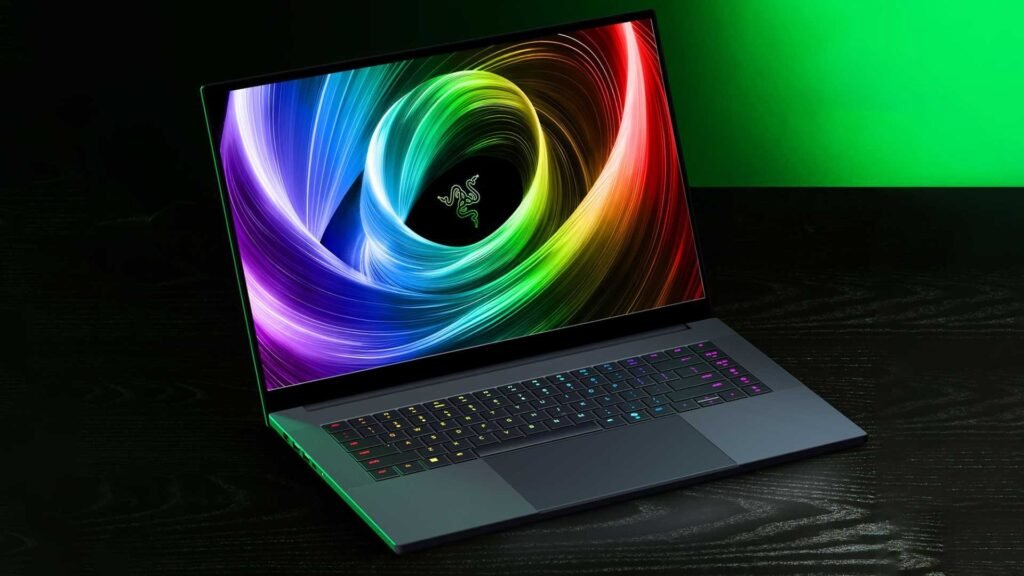
2. Razer Blade 16 – Precision Tool for Creators Who Care About Color
The Razer Blade 16 is often misunderstood as just a “premium gaming laptop,” but for video editors, it’s actually a precision-focused creative tool.
Yes, it delivers high-end performance with RTX 4090 configurations, but what truly sets it apart is its display technology and build quality.
For video editing, color accuracy is everything. If your display isn’t accurate, your final export won’t match across platforms. The Blade 16 solves this with high-quality panels that deliver excellent color reproduction, making it suitable for serious grading work without always needing an external monitor.
Another key advantage is portability without compromise. Unlike bulkier machines, this laptop fits easily into a mobile workflow-ideal for freelancers, YouTubers, and agency editors who move between locations.
Performance-wise, it handles:
- 4K editing with effects
- Smooth playback with GPU acceleration
- Fast rendering for client work
However, due to its slimmer design, thermals are slightly more constrained compared to bulkier laptops. It still performs well, but under extremely heavy workloads, it may not sustain peak performance as long as larger machines.
👉 This is the Best Gaming Laptop for Video Editing if your work depends on color accuracy, portability, and professional presentation.
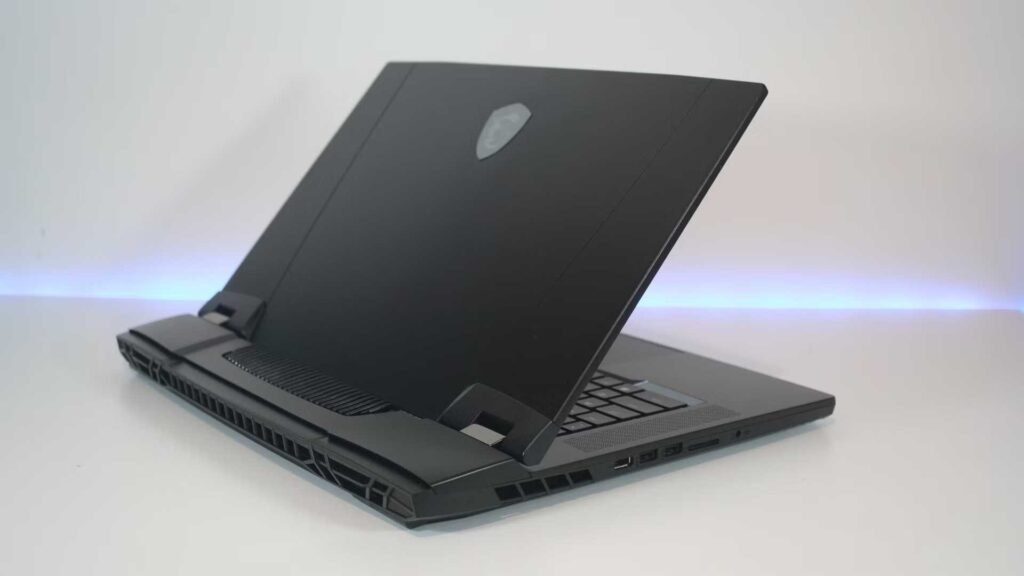
3. MSI Titan GT77 HX – Built for Extreme Production Workflows
The MSI Titan GT77 HX is not designed for average users-it’s built for high-end production environments where performance bottlenecks cost time and money.
This machine is essentially a mobile workstation disguised as a gaming laptop.
What makes it stand out is its ability to handle extreme workloads simultaneously. With support for massive RAM configurations and top-tier CPUs and GPUs, it’s ideal for:
- Complex After Effects compositions
- Multi-cam editing projects
- High-resolution (6K/8K) workflows
- Heavy VFX and motion graphics
In real-world use, the Titan doesn’t just run editing software-it runs entire pipelines. You can edit, render, and process assets without constantly managing system resources.
Another critical advantage is expandability and storage performance. Large projects require fast access to files, and this machine is built to handle that with high-speed SSD configurations.
The downside is obvious: it’s bulky, expensive, and not meant for travel. But that’s not its purpose.
👉 This is for professionals who treat editing as a full-scale production operation, not just content creation.
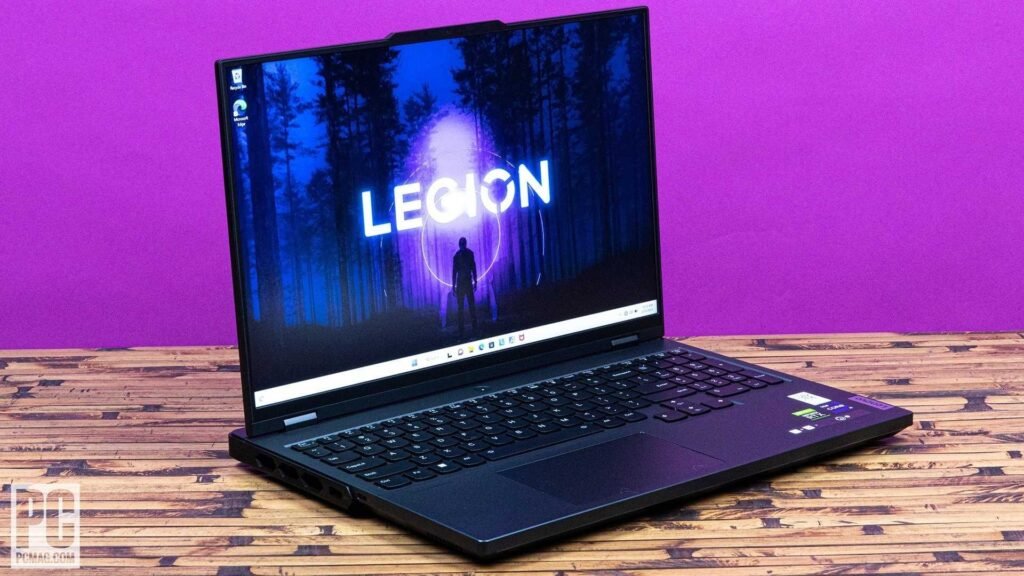
4. Lenovo Legion Pro 7i – The Best Balance of Price, Power, and Practicality
The Lenovo Legion Pro 7i is where smart buyers land after comparing everything else.
It may not be the flashiest option, but it delivers real-world performance that closely matches flagship laptops-at a significantly lower cost. That’s what makes it one of the most practical choices in the Best Gaming Laptop for Video Editing category.
Performance-wise, it handles:
- 4K editing with multiple layers
- Effects-heavy timelines
- Smooth playback with GPU acceleration
What really makes it stand out is efficiency. It doesn’t just deliver power-it uses it well. Thermals are well-managed, which means performance stays consistent during long editing sessions instead of fluctuating.
Another underrated strength is its display. Some configurations offer OLED panels, which provide deeper contrast and better color accuracy-both important for editors working on visual quality.
Build quality is solid, and while it doesn’t have the premium branding of competitors, it delivers where it matters most: performance per dollar.
👉 If you want near-flagship editing performance without overspending, this is one of the smartest investments you can make.
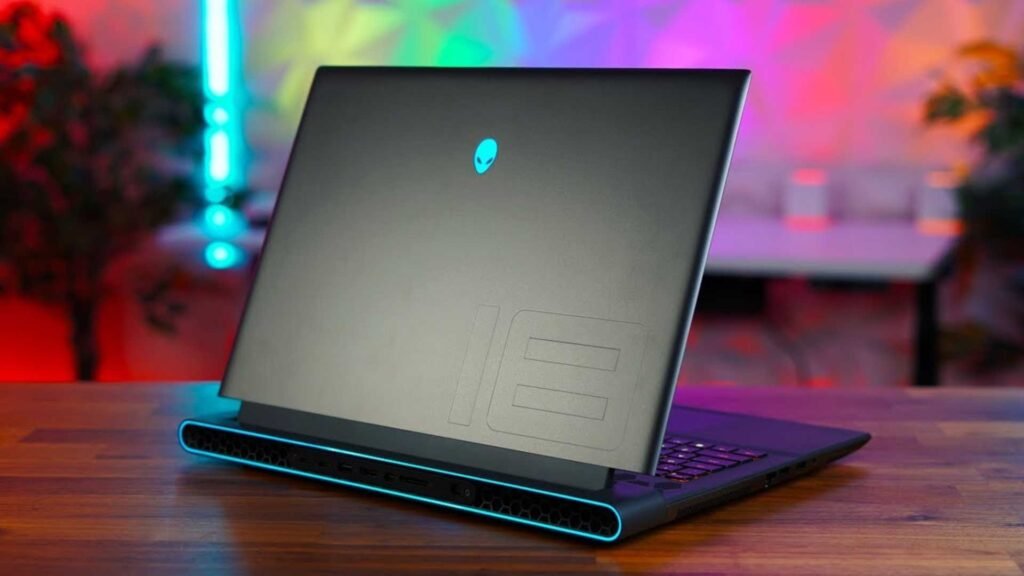
5. Alienware m18 – Built for Stability and Long Editing Sessions
The Alienware m18 takes a different approach-it prioritizes stability and sustained performance over aggressive optimization.
For video editors, this matters more than it sounds.
Editing is not a short task. You’re often working for hours-cutting, grading, rendering. Many laptops perform well in short bursts but struggle during extended sessions. The m18 avoids this with a larger chassis and better airflow, allowing it to maintain consistent performance over time.
In real workflows, this translates to:
- Reliable rendering without thermal drops
- Stable timeline playback during long sessions
- Fewer slowdowns when working with large files
The large display also improves usability, especially for editors managing long timelines or multiple tracks.
It may not always top benchmark charts, but it delivers predictable, dependable performance, which is often more valuable in professional environments.
The trade-off is size and portability-it’s not ideal if you travel frequently.
👉 Choose this if your priority is reliability, long-session stability, and consistent editing performance.
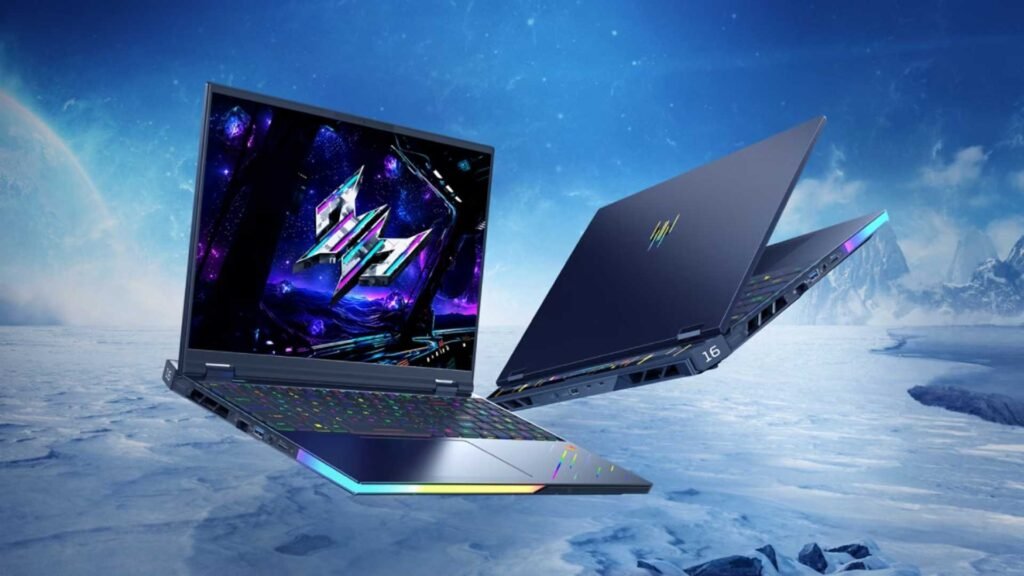
6. Acer Predator Helios 16 – Consistent Thermal Performance for Long Edits
The Acer Predator Helios 16 earns its place not by chasing extremes, but by delivering predictable, sustained performance, which is exactly what most editors actually need.
Where many mid-high laptops fail is thermal throttling. You might start a render strong, but after 10–20 minutes, performance drops. The Helios 16 avoids this with a well-optimized cooling system that keeps both CPU and GPU operating within stable ranges. For video editors, that means export times stay consistent instead of slowing halfway through.
In real editing scenarios-like working inside Adobe Premiere Pro with multiple adjustment layers, LUTs, and moderate effects-the Helios 16 performs reliably. Timeline scrubbing remains smooth, even with 4K footage, as long as you’re not stacking extremely heavy effects.
The display is another strong point. While not at OLED level, it offers solid color accuracy that’s suitable for YouTube, social media, and most client work. For advanced color grading, you might still prefer an external monitor, but for on-the-go editing, it’s more than capable.
👉 This is ideal for editors who want a dependable machine that won’t surprise them with performance drops during critical work.
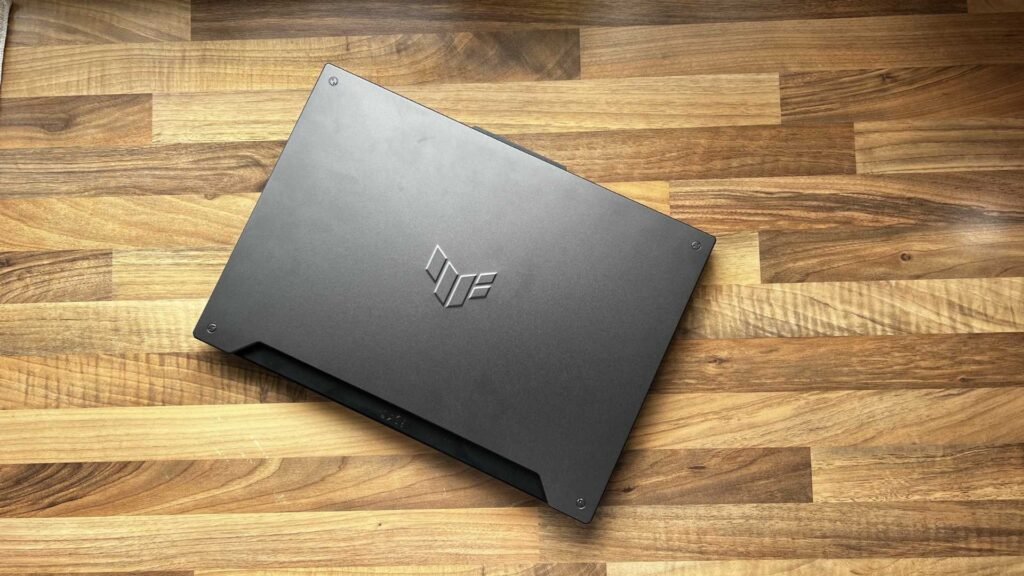
7. ASUS TUF Gaming F15 – Smart Entry Point for New Editors
The ASUS TUF Gaming F15 is not trying to compete with high-end machines-and that’s exactly why it works.
For beginners entering video editing, overspending on a flagship laptop is often unnecessary. What matters more is having a system that can handle core workflows smoothly while you learn and grow.
This laptop is well-suited for:
- 1080p editing
- Basic 4K projects with proxies
- YouTube content creation
- Light color grading and transitions
The key advantage here is efficiency. With proper workflow optimization-like using proxy files and managing cache-you can achieve surprisingly smooth performance even on mid-range hardware.
Build quality is also a factor. The TUF series is designed for durability, which makes it a practical choice for students or creators who need a machine that can handle daily use without issues.
However, it’s important to be realistic. If you plan to move into heavy commercial editing, advanced effects, or long-form 4K timelines, you will eventually outgrow this machine.
👉 This is the Best Gaming Laptop for Video Editing if you’re just starting out and want a cost-effective, low-risk investment.
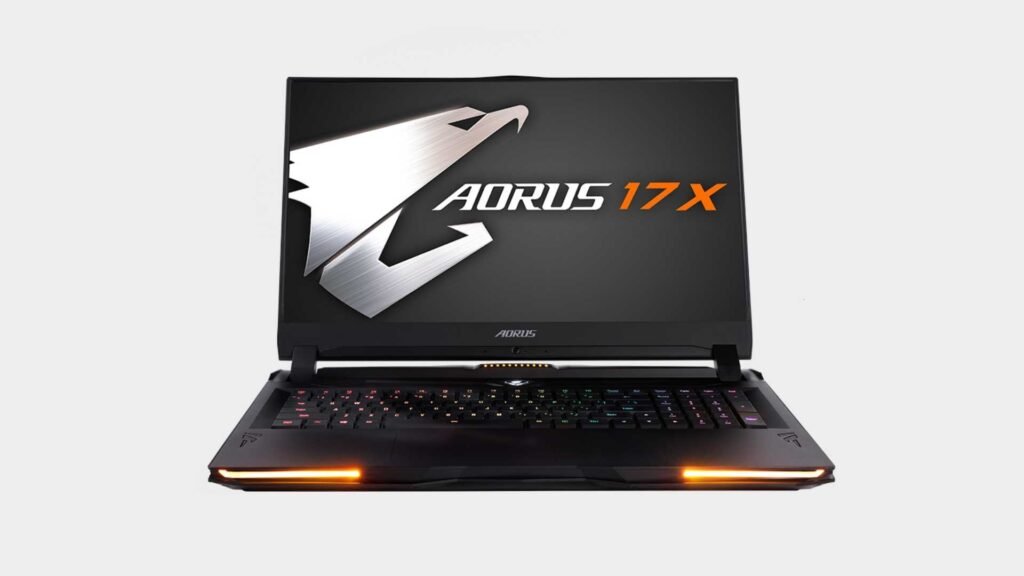
8. Gigabyte AORUS 17X – Designed for GPU-Heavy Workflows
The Gigabyte AORUS 17X is built for one specific type of user: editors who rely heavily on GPU acceleration.
Modern editing software increasingly offloads work to the GPU-especially when dealing with effects, transitions, color grading, and AI-based enhancements. This laptop takes full advantage of that trend with high-wattage RTX GPUs that deliver strong real-world gains in rendering and playback.
Where this machine stands out is in export performance. If your workflow involves frequent rendering-client revisions, batch exports, or content production pipelines-you’ll notice the difference immediately.
Another strength is its ability to handle complex timelines without stuttering, particularly when GPU acceleration is enabled. This makes it a strong choice for editors working in Premiere Pro, DaVinci Resolve, or similar software.
The trade-off is portability. It’s not the most compact or battery-efficient laptop, but that’s expected given its focus on performance.
👉 If your editing style is effect-heavy and rendering-intensive, this is one of the more performance-optimized choices in the Best Gaming Laptop for Video Editing category.
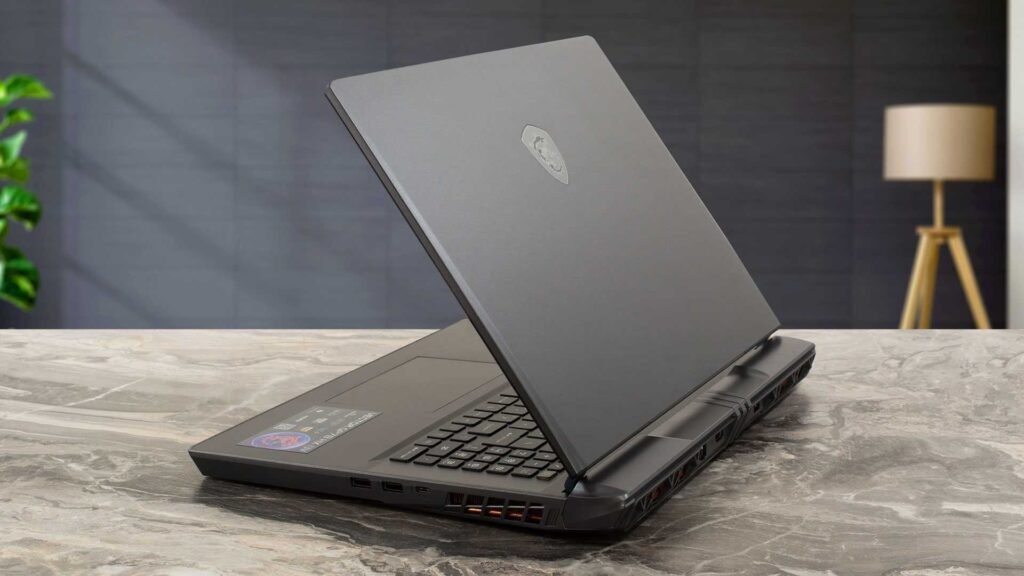
9. MSI Vector GP78 HX – Built for Multitasking and Professional Pipelines
The MSI Vector GP78 HX is one of the most underrated laptops for serious editors, mainly because it doesn’t rely on flashy branding-it focuses on workflow efficiency.
This machine is designed for users who don’t just edit-they run multiple creative applications simultaneously.
Think about a real-world scenario:
You’re editing in Premiere Pro, sending clips to After Effects, rendering in the background, and maybe even managing assets or uploads at the same time.
This is where the Vector GP78 HX shines.
With high RAM capacity (often configurable up to 64GB) and powerful CPU/GPU combinations, it handles multitasking without slowdowns. That means:
- No lag when switching between apps
- Stable performance during background exports
- Faster turnaround in complex projects
Thermal performance is also tuned for sustained workloads, which helps maintain consistency during long editing sessions.
It may not have the premium feel of something like a Razer Blade, but from a pure productivity standpoint, it delivers exactly what professionals need.
👉 This is the right choice if your workflow is complex, multi-layered, and time-sensitive.
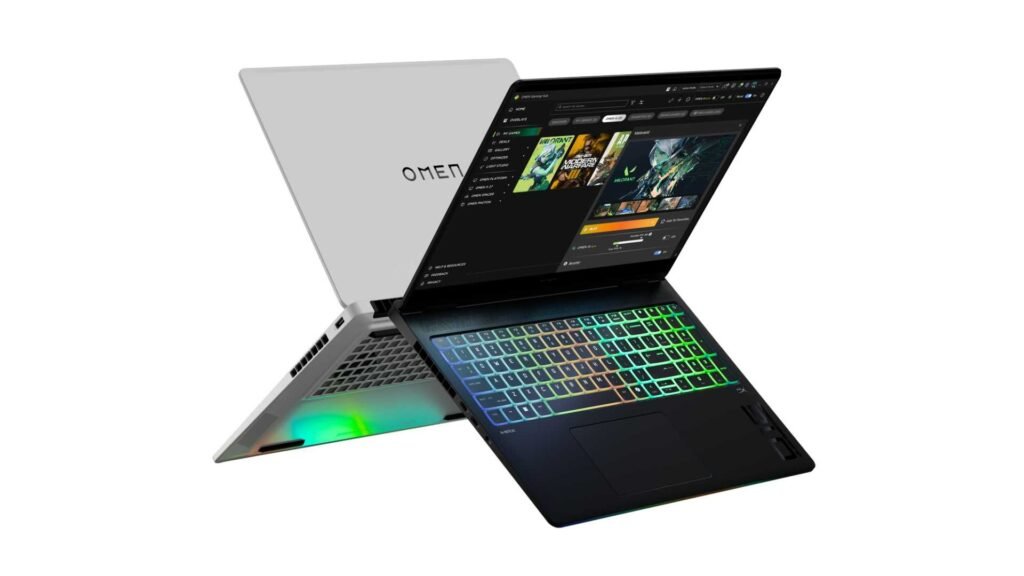
10. HP OMEN Max 16 – Balanced Power with Upgrade Flexibility
The HP OMEN Max 16 sits in an interesting position-it doesn’t dominate in one category, but it performs well across all of them.
For video editors, that balance is valuable.
Performance-wise, it offers strong CPU and GPU combinations capable of handling 4K editing, moderate effects, and consistent rendering. But what makes it stand out is flexibility.
Unlike some locked-down laptops, the OMEN series allows easier upgrades. That means you can start with a reasonable configuration and scale up RAM or storage as your workload grows.
This is particularly useful for creators who are transitioning from beginner to professional level.
The cooling system is also well-optimized, ensuring stable performance during longer sessions. While it may not match flagship machines in raw power, it avoids the common issue of sudden performance drops.
Another advantage is pricing. It often comes in lower than premium competitors while still delivering comparable real-world performance for most editing tasks.
👉 If you want a laptop that can grow with your editing needs without overspending upfront, this is a strong and practical option.
Final Thought – What Most Buyers Get Wrong
Most people think the Best Gaming Laptop for Video Editing is just the most powerful one.
That’s wrong.
The best laptop is the one that matches your workflow:
- Heavy 4K/8K editing → Go high-end (Scar 18, Titan)
- Freelancing + mobility → Razer Blade 16
- Value + performance → Legion Pro 7i
- Beginner → ASUS TUF
Want Better Results Without Upgrading Your Laptop?
Even the best laptop has limits.
That’s where ait Insider comes in.
Instead of spending thousands upgrading hardware, you can outsource your editing to professionals who already use high-end systems, advanced workflows, and optimized pipelines.
At ait Insider, we provide:
- High-end video editing for YouTube, brands, and agencies
- Fast turnaround without compromising quality
- Color grading, motion graphics, and cinematic edits
- Cost-effective solutions compared to in-house editing
👉 If you want professional results without hardware limitations, ait Insider can scale your workflow instantly.