
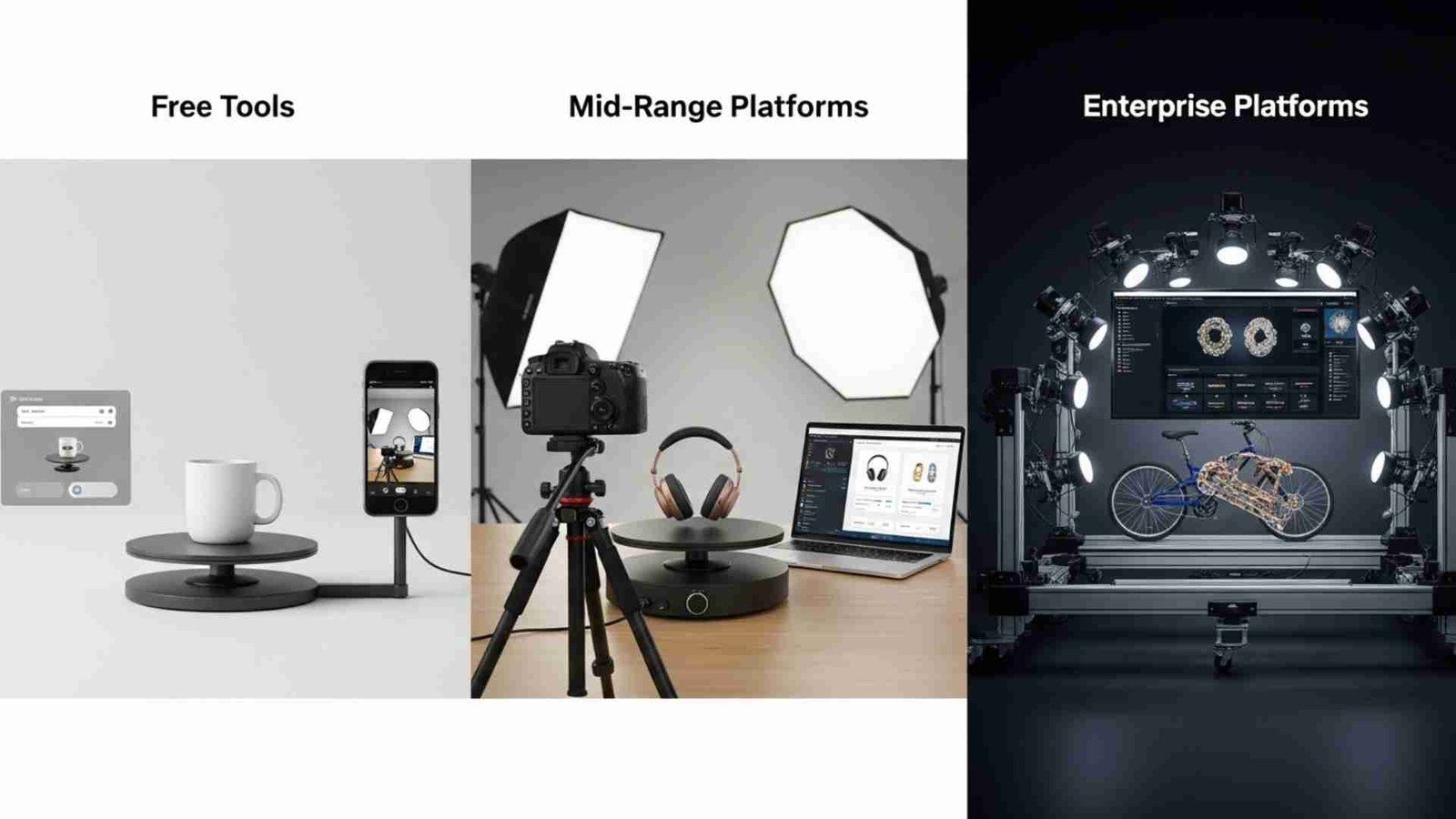
If you’ve ever shopped online and rotated a product to see every angle, you already know the power of 360-degree product imagery. It feels more interactive, more real, and more trustworthy. And that level of engagement is exactly why so many brands, eCommerce stores, and photographers are searching for the Best 360 Product Photography Software today.
Whether you’re running a small online store or managing product visuals for a large brand, 360 images can instantly boost your conversions, reduce returns, and create a professional shopping experience. But here’s the catch: the software you choose plays a HUGE role in the final quality. Some tools are great for beginners, some work best for tight budgets, and others are built for high-volume, enterprise-level studios.
In this long, friendly, and easy-to-read guide, I’ll walk you through everything you need to know about choosing the Best 360 Product Photography Software, from free tools to top-tier professional platforms. Since this guide is for aitinsider readers-many of whom work with product photos daily-we’ll go deep into details, features, differences, and real use cases so you can make a confident purchase decision.
Online shoppers crave transparency and detail. They want to see every angle, every texture, and every curve of a product before they buy it. That’s why 360 product photography has exploded in popularity. It mimics the in-store experience by letting customers rotate the item as if they’re holding it in their hands.
This is exactly where choosing the Best 360 Product Photography Software becomes essential. Even with a great camera, tripod, or turntable, if your software can’t process your images smoothly or render clean 360 rotations, the final result won’t look professional. The right software can help you remove backgrounds, smooth transitions, fix lighting differences, align frames, and publish interactive 360 spins on websites, Amazon listings, Shopify shops, and more.
Before diving into the specific tools, it’s important to understand what features matter most. Every photographer and business owner has different needs, so the Best 360 Product Photography Software for you might not be the best for someone else. Think of this like choosing a tripod or camera lens-your workflow and goals should guide your choice.
Here are some factors that determine which tool will fit your setup:
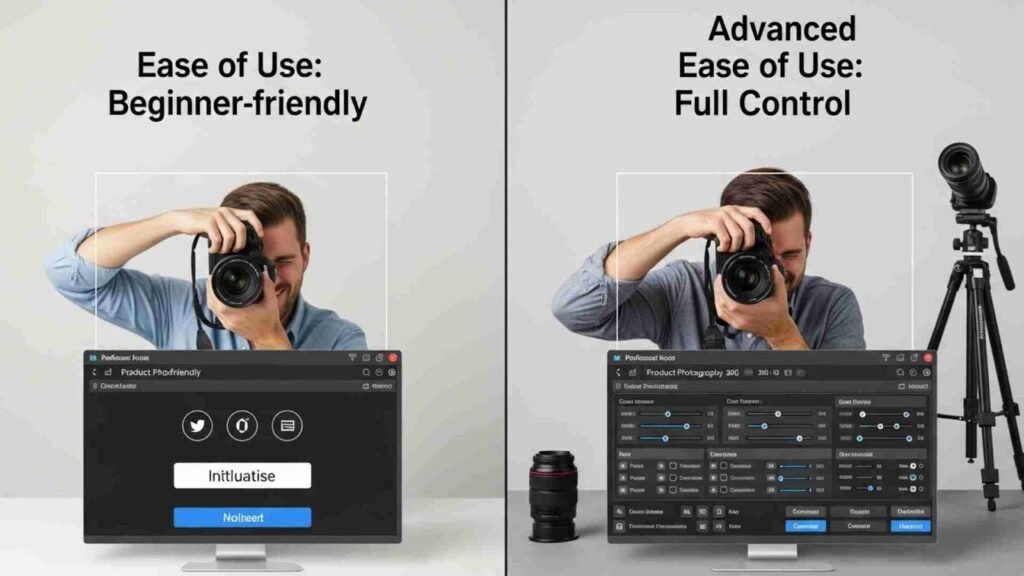
Some software platforms are built with beginners in mind. You simply upload your photos, and the software does the rest. Others require more learning but give you full control. The best choice depends on how comfortable you are with editing photos and managing 360 sequences.
If you shoot hundreds or thousands of products per month, automation becomes extremely valuable. Enterprise tools often include batch editing, auto-alignment, exposure matching, and easy publishing features. These are essential for high-volume studios.
The best tools generate smooth, clean rotations with consistent exposure and no jerky transitions. Poor-quality software tends to leave visible frame jumps or lighting inconsistencies.
Some 360 software includes cloud hosting for your product spins. Others simply export files and leave the hosting up to you. If you want fast loading speeds and easy integrations, hosting matters.
This is important because the cost between free tools and enterprise platforms can be HUGE. But that’s exactly why this article covers everything-from free options all the way to premium solutions.
Throughout this guide, I’ll naturally repeat the keyword Best 360 Product Photography Software because it helps you compare products more effectively and improves clarity.
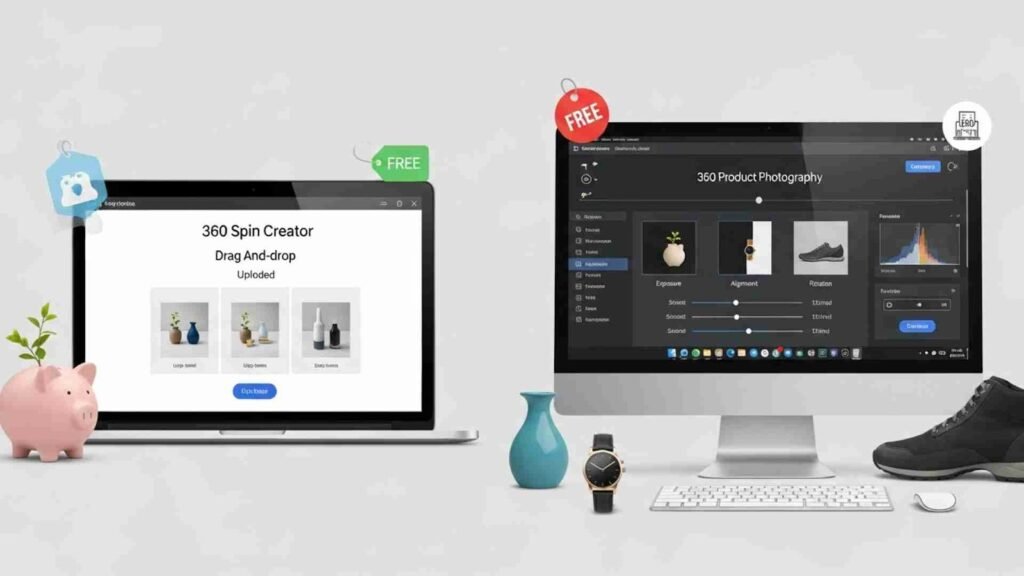
Many people assume you need expensive tools to create high-quality 360 spins, but that’s not always true. If you’re a beginner or working with a tight budget, there are some surprisingly capable free and low-cost tools available.
They might not offer the automation of enterprise solutions, but they can definitely help you get started.
There are lightweight online tools that allow you to upload a series of images and generate a simple 360 rotation. These platforms are usually drag-and-drop-based, making them easy for beginners. The downside is that they often lack advanced editing features such as exposure correction, frame alignment, or batch processing.
Still, if you’re just experimenting and learning, these free platforms can be helpful. They’re not the Best 360 Product Photography Software, but they’re a great entry point.
Several budget-friendly desktop applications let you edit and publish 360 product spins. These tools offer better control than free platforms, give you more customization options, and generally produce smoother rotations.
If you’re in the early stages of building your product visuals or running a small online shop with a low volume of products, affordable tools can give you a clean final result without stretching your budget.
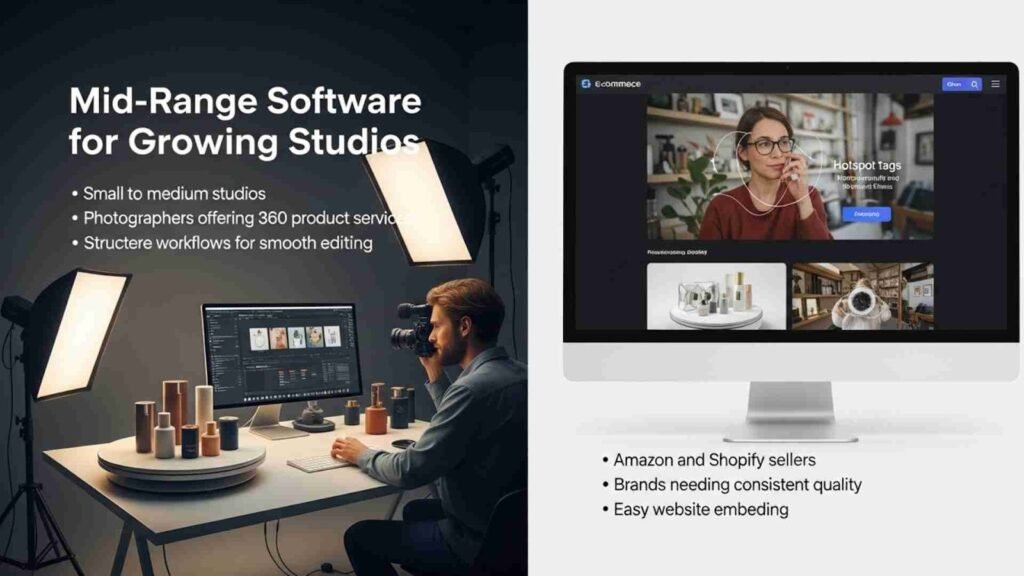
This category is where most eCommerce sellers and photographers find the Best 360 Product Photography Software for their needs. Mid-range solutions often strike a balance between power and affordability. They come with improved features such as exposure matching, frame alignment, color correction, hotspot tagging, and easy website embedding.
These tools are ideal for:
They also offer more structured workflows, which makes editing smoother and faster.
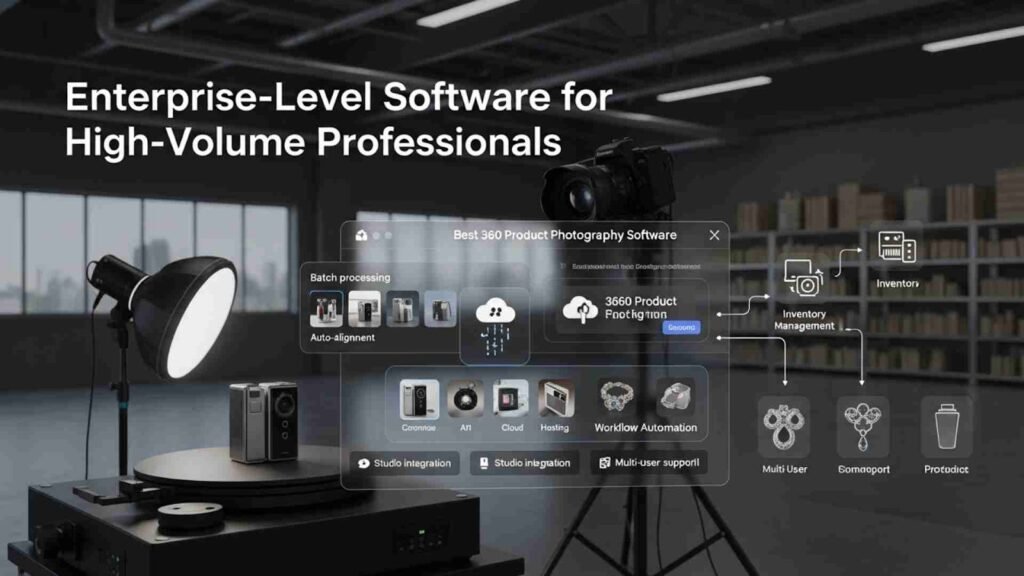
Large brands, product studios, and manufacturers often shoot hundreds of products every week. For them, speed and automation are everything. That’s why many of them use enterprise platforms that provide:
These high-end systems truly represent the Best 360 Product Photography Software in terms of speed and output quality-especially if you want consistent results across thousands of SKUs.
But they come with higher price tags because they’re designed for industrial use.
Even if you use a high-end camera, a sturdy tripod, and a smooth turntable, your final output heavily depends on software. This is because software is responsible for:
This is why choosing the Best 360 Product Photography Software is critical. Bad software leads to choppy spins, mismatched lighting, laggy players, and lower conversion rates.
Now that you understand why choosing the Best 360 Product Photography Software is essential, it’s time to explore the tools themselves. This section goes deep into the actual software options used by photographers, eCommerce sellers, and product studios worldwide. I’ll walk you through free tools, mid-range solutions, and high-end enterprise platforms-explained naturally in paragraphs, without bullet points or unnecessary complexity.
Remember, the right choice depends on your needs, budget, and workflow. By the end of this section, you’ll have a clear picture of which software will help you create the smoothest, most professional 360 product spins.
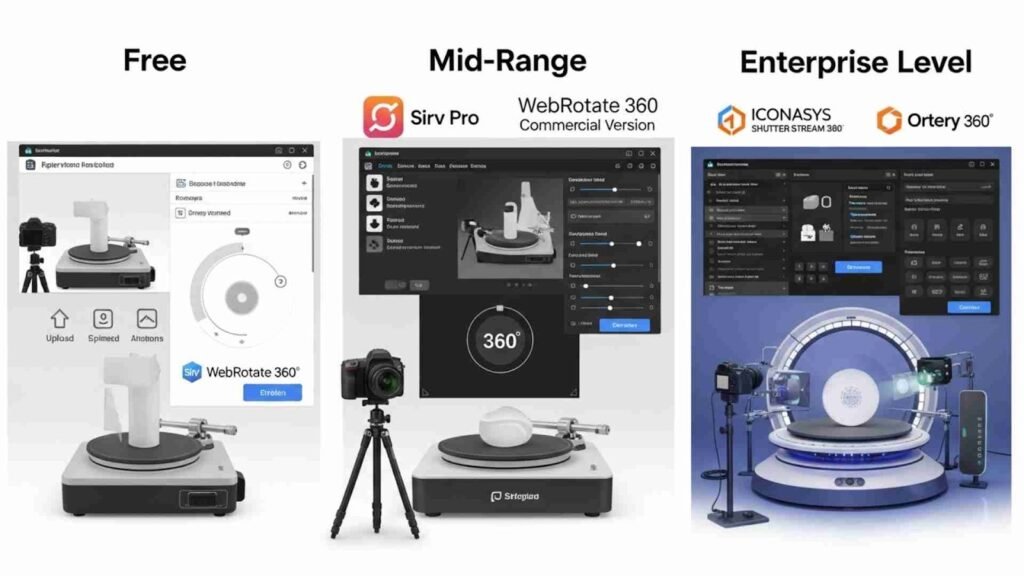
Free tools are great for beginners who want to experiment before committing to paid software. They’re usually lightweight, easy to use, and great for understanding how 360 workflows operate. Still, free tools don’t offer advanced features like auto-exposure matching, background editing, or batch processing-which is why professionals eventually upgrade.
Even though they’re not the Best 360 Product Photography Software, they serve as a solid starting point.
Sirv offers a free plan that lets you upload a series of images and convert them into a basic 360 spin. The interface is simple, and you can embed your 360 viewer on websites, blogs, or portfolios using an embed code. For beginners, this is extremely convenient because you don’t need technical knowledge to create interactive product spins.
The downside is that the free plan limits storage and features. Some advanced editing tools and customization options are locked. However, if you want to test how 360 images look and behave on your site, Sirv’s free version is a good entry point. It gives you enough functionality to practice and understand what full 360 product software can do.
WebRotate 360 also provides a free version of its software, known for its clean viewer and responsive design. Many eCommerce stores use this tool because it integrates well with platforms like Shopify, WooCommerce, and BigCommerce.
The free version allows you to publish a fully functioning 360 spin, but it includes branding and lacks certain advanced features. That said, if you’re still learning or testing 360 product photography for the first time, it’s perfectly usable and gives you a feel for the process.
This is where most sellers find the Best 360 Product Photography Software. Mid-range tools offer the perfect mix of power, editing features, automation, and affordability. They’re ideal for growing eCommerce stores, small studios, photographers offering 360 services, and brands looking to upgrade their visuals without jumping into enterprise-level pricing.
When people search for the Best 360 Product Photography Software, Sirv Pro often comes up because it offers a complete package: fast cloud hosting, beautiful 360 players, easy embeds, and advanced editing tools. It’s widely used by online stores because the 360 viewer loads quickly and looks premium.
Sirv automatically aligns images, adjusts rotation speed, and allows you to add hotspots and zoom features. The interface is clean and intuitive, making it friendly even for beginners. It’s also great for teams because everything is stored online, so you can access your work from anywhere. For many stores, Sirv Pro strikes the ideal balance between quality and price.
WebRotate 360’s paid version becomes significantly more powerful than its free counterpart. The editing software lets you align frames, fix exposure issues, and customize the viewer extensively. It’s a favorite among Shopify and WooCommerce users, especially those who want a clean, minimalist 360 viewer on their product pages.
One of the reasons WebRotate stands out as one of the Best 360 Product Photography Software choices is its flexibility. You can self-host your spins or use their cloud service. It also supports animations, hotspots, and zoom functionality. While the interface looks a bit more technical compared to Sirv, the final output is extremely professional.
RotaryView offers a user-friendly interface with built-in tools for creating interactive product spins. It’s great for mid-sized eCommerce brands and photographers who want a cloud-based solution without too many complex options. RotaryView synchronizes neatly with their turntable hardware, but you can use it with any turntable.
What makes RotaryView appealing as a mid-range solution is how easy it is to publish your final spin. You upload your photos, let the software align and process them, and then embed the viewer in just a few steps. While not as feature-heavy as Sirv or enterprise solutions, it’s more than enough for most growing businesses.
Enterprise solutions are built for volume. If you manage hundreds or thousands of SKUs every month, these platforms give you automation, speed, and consistency that smaller tools simply can’t match. They are considered by many large companies as the Best 360 Product Photography Software because they streamline production from start to finish.
These platforms come with advanced features like batch processing, exposure normalization, automated background removal, studio hardware integration, and API support. They also offer team collaboration tools, custom branding, and high-speed hosting.
Iconasys is one of the leaders in 360 product imaging software. Its Shutter Stream 360 suite combines software and hardware to create a fully automated workflow. With compatible turntables, the software triggers the camera and rotates the product automatically. Everything is captured, processed, aligned, and exported inside the same ecosystem.
This is why many professionals call it the Best 360 Product Photography Software for large studios. It saves enormous amounts of time and ensures every product looks consistent. If you’re running a commercial studio, Iconasys offers a professional-grade setup that improves efficiency and accuracy.
Ortery is another giant in the 360 product imaging world. Their software integrates seamlessly with Ortery 360 turntables, lightboxes, and studio systems. With Ortery, you can automate almost every part of the workflow: image capture, background removal, exposure matching, alignment, and publishing.
The reason Ortery is considered the Best 360 Product Photography Software by many enterprise teams is its all-in-one approach. It’s designed for speed and consistency, giving teams the ability to produce hundreds of 360 rotations daily without losing quality. Large retailers, manufacturers, and product brands often rely on Ortery for large-scale production.
Now that you’ve seen the tools themselves, let’s break down the features that separate average software from the Best 360 Product Photography Software. This will help you compare platforms more confidently and understand why certain tools cost more than others.
One of the most important features is auto-alignment. This ensures each frame in the 360 sequence lines up perfectly so the product doesn’t wobble or shift. Without this feature, your final rotation looks cheap and unprofessional.
Another critical element is exposure matching. If the lighting changes even slightly while you shoot, the software can fix those inconsistencies automatically. This gives your 360 spin a smooth, polished look.
Background removal or cleanup tools also matter a lot. Some software offers built-in background editing, while others require external tools. If your products require pure white or transparent backgrounds, look for software that supports background processing.
Hosting and embedding options are also a big deal. Some tools let you host your spins online for fast loading, while others require self-hosting. If you run an online store, cloud hosting can save you a lot of time and provide better performance.
Finally, scalability is a major factor. Beginners might not need batch processing or API access, but large studios absolutely do. If your business is growing fast, choosing software that can grow with you is essential.
All these features combined are what make a tool truly deserving of the title Best 360 Product Photography Software.
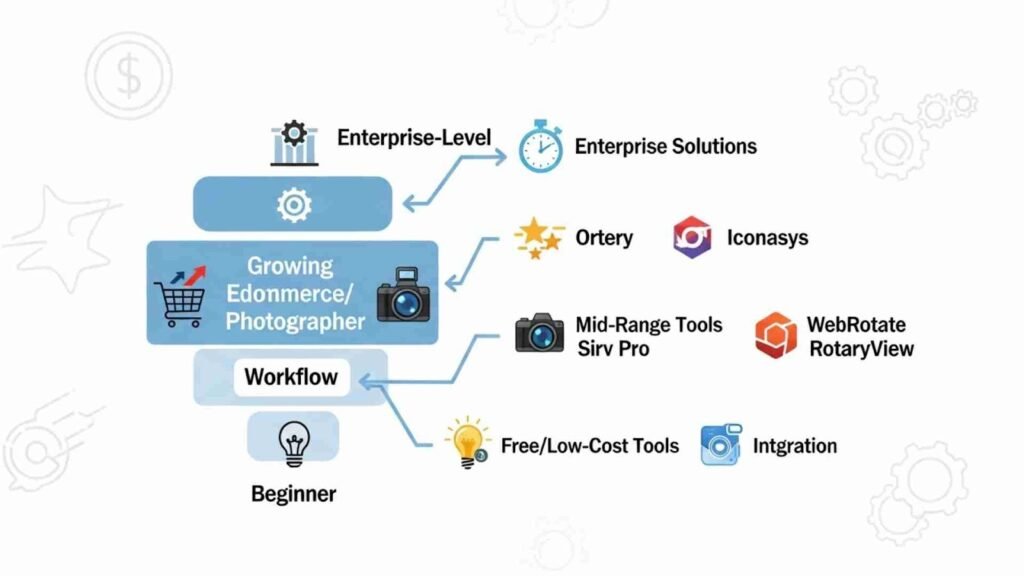
Choosing the Best 360 Product Photography Software depends heavily on your goals and workflow. If you’re a beginner testing out 360 images for the first time, free or low-cost tools are perfect. They help you understand the process without overwhelming you or breaking your budget.
If you’re a growing eCommerce seller or photographer handling a medium volume of products, mid-range tools like WebRotate, Sirv Pro, or RotaryView are ideal. They give you better features, professional output quality, and smooth website integration.
For enterprise-level needs, where speed and consistency matter above everything else, solutions like Ortery and Iconasys are unbeatable. These platforms save enormous time and ensure high-quality results for huge product catalogs.
The key is to match your software to your volume, budget, and editing needs. The Best 360 Product Photography Software should simplify your workflow, improve your image quality, and help you present your products professionally.
There is no single answer because every situation is different. But we can simplify the choice:
If you want the Best 360 Product Photography Software overall for most users, Sirv Pro is one of the top choices because it offers the perfect balance of quality, speed, ease of use, and price.
If you’re on a tight budget or just getting started, free tools or low-cost software are great stepping stones.
If you run a large product studio, Iconasys and Ortery are the best options because they automate the entire workflow and deliver unmatched consistency.
Whatever your choice, remember that the software you pick affects not only your final output but also your entire production process.
At aitinsider, we understand how essential high-quality images are in today’s competitive eCommerce world. Even with the Best 360 Product Photography Software, your photos sometimes need extra polishing. That’s where we come in.
Our professional image editing services include background removal, color correction, retouching, shadow creation, and full 360 image cleanup. We help photographers, sellers, and brands present their products with perfect clarity and consistency.
If you want your 360 product photos to stand out even more, visit aitinsider today and let our expert editors transform your visuals into studio-quality results.