
Choosing a Good Processor for Video Editing is one of the most important decisions you will make as a content creator. Whether you are editing YouTube videos, cinematic short films, social media reels, or client projects, your processor directly affects how fast you work, how smooth your timeline feels, and how quickly your final video renders. Many creators struggle because they invest in software or cameras but overlook the heart of their system, the CPU. In this guide, I will walk you through everything you need to know, in simple and easy language, so you can confidently choose a Good Processor for Video Editing that fits your workflow, budget, and long-term goals.
This article is written especially for creators who are comparing options before buying. If you are serious about performance, efficiency, and value for money, you are in the right place.
Why a Good Processor for Video Editing Matters More Than You Think
Video editing is not like casual web browsing or office work. It is a demanding task that pushes your computer to its limits. When you scrub through a timeline, apply effects, color grade footage, or export a final video, your processor is doing heavy lifting in the background. A Good Processor for Video Editing ensures that your editing software responds quickly, playback stays smooth, and rendering times remain reasonable.
Without a capable processor, even powerful GPUs and fast storage cannot save your workflow. You may experience lag, stuttering previews, long export times, and random crashes. Over time, these issues not only slow you down but also reduce creativity and motivation. That is why professional editors and serious content creators always prioritize choosing a Good Processor for Video Editing before anything else.
Understanding How Video Editing Software Uses the Processor
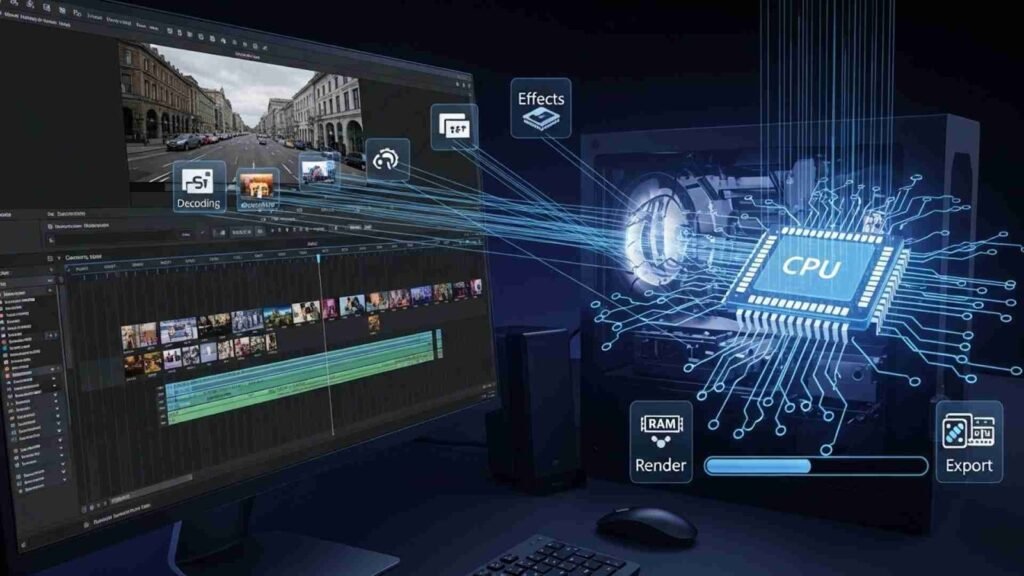
Before buying a processor, it helps to understand how editing software actually uses CPU power. Programs like Adobe Premiere Pro, DaVinci Resolve, Final Cut Pro, and After Effects rely heavily on the processor for tasks such as decoding video files, managing timelines, handling effects, and exporting videos. A Good Processor for Video Editing can efficiently manage multiple tasks at the same time without slowing down your system.
Modern video editors often work with high-resolution footage like 4K or even 8K. These files contain massive amounts of data. The processor must quickly process this data while coordinating with the GPU and RAM. If the CPU is weak, everything feels sluggish. This is why choosing a Good Processor for Video Editing is essential for both beginners and professionals.
Core Count and Threads: The Foundation of a Good Processor for Video Editing
When people compare processors, they often hear about cores and threads. In simple terms, cores are like individual workers inside your CPU. Threads allow each worker to handle more tasks at once. A Good Processor for Video Editing usually has multiple cores and threads to handle complex workloads smoothly.
Video editing software is designed to take advantage of multiple cores, especially during rendering and exporting. The more cores your processor has, the faster it can complete heavy tasks. However, balance is important. A processor with many cores but low speed may not perform as well as a balanced CPU with fewer cores but higher efficiency. This is why professional editors look for a Good Processor for Video Editing that combines a strong core count with smart performance optimization.
Clock Speed and Performance in Real Editing Work
Clock speed refers to how fast each core works. While core count matters, clock speed plays a huge role in real-time editing. When you are cutting clips, moving transitions, or adjusting effects, higher clock speeds make your system feel responsive. A Good Processor for Video Editing maintains high clock speeds even under heavy load.
This is especially important for creators who value smooth playback and quick response times. If your processor slows down under pressure, your editing experience will suffer. A reliable Good Processor for Video Editing delivers consistent performance, allowing you to focus on storytelling instead of technical problems.
Intel vs AMD: Which Offers a Good Processor for Video Editing?
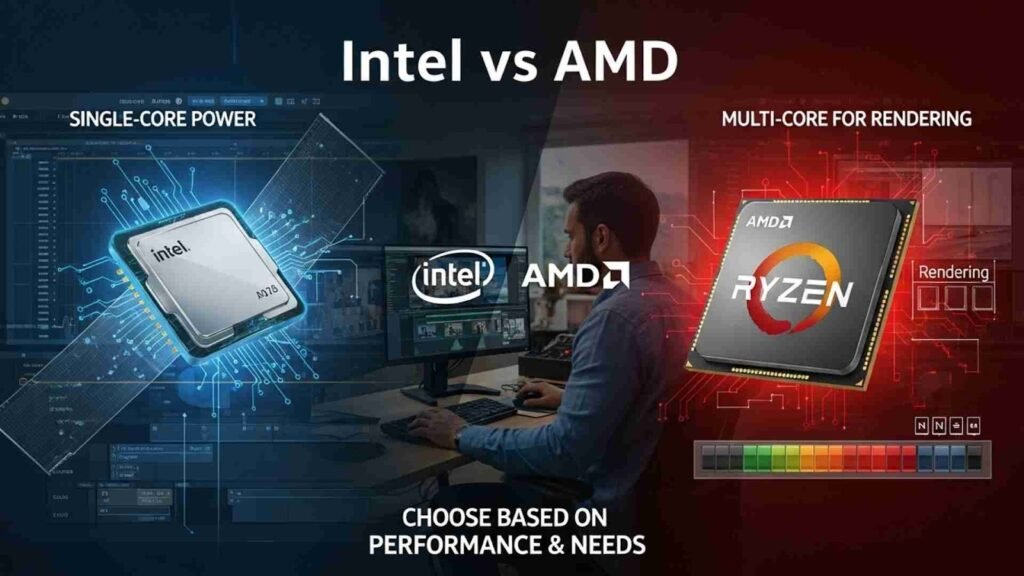
Many creators ask whether Intel or AMD provides a better option. The truth is, both brands offer excellent choices. What matters is choosing the right model based on your needs. Intel processors are often praised for their strong single-core performance, which benefits timeline responsiveness and certain editing tasks. AMD processors, on the other hand, are known for offering more cores and threads at competitive prices, making them attractive for heavy rendering workloads.
When comparing Intel and AMD, do not focus only on brand names. Focus on real-world performance. A Good Processor for Video Editing works best with your editing software, budget, and project complexity. Both Intel and AMD have processors that meet professional standards, so your decision should be based on value and use case rather than loyalty.
Budget vs High-End: Choosing the Right Processor Tier
Not every creator needs the most expensive CPU. A Good Processor for Video Editing can exist at different price levels. If you edit short videos, social media content, or YouTube videos in Full HD or light 4K, a mid-range processor may be enough. These processors offer excellent value and performance for most creators.
However, if you work with complex timelines, heavy effects, motion graphics, or long-form 4K and 8K projects, investing in a high-end processor makes sense. A powerful Good Processor for Video Editing saves time during rendering and reduces frustration during editing sessions. Over time, this efficiency can pay for itself, especially for freelancers and agencies.
Future-Proofing Your Setup with a Good Processor for Video Editing
Technology evolves quickly. New cameras produce higher-resolution footage, and editing software becomes more demanding. Choosing a Good Processor for Video Editing today should also consider future needs. A slightly more powerful CPU than you currently need can extend the life of your system and reduce the need for upgrades.
Future-proofing does not mean overspending. It means selecting a processor that offers enough headroom for growth. A Good Processor for Video Editing should handle your current projects comfortably while being capable of managing more complex tasks in the future. This approach is especially important for content creators who plan to scale their work or expand into professional services.
Compatibility with Other Components Matters
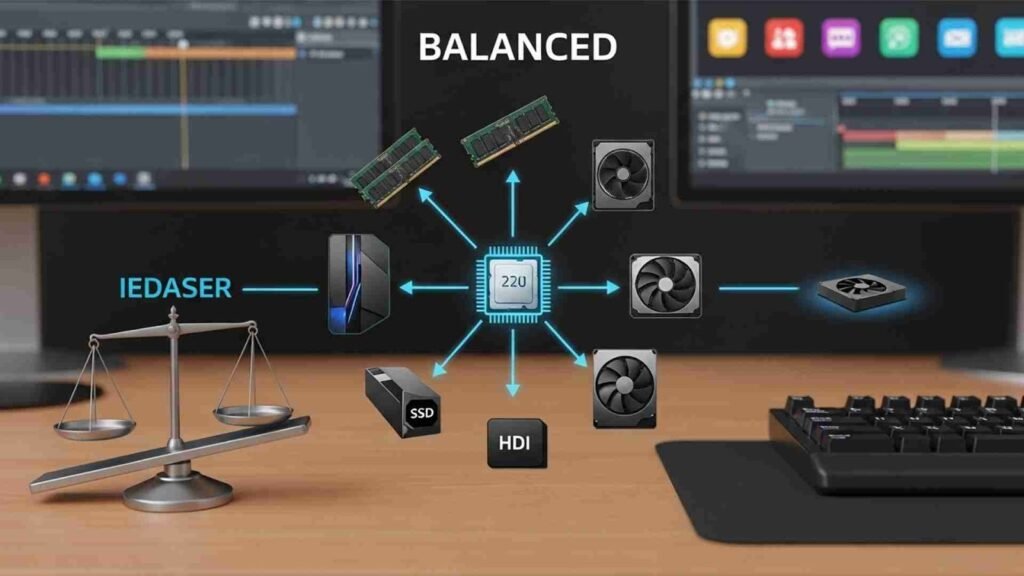
A processor does not work alone. It must pair well with RAM, GPU, and storage. A Good Processor for Video Editing performs best when supported by sufficient memory and a capable graphics card. If the CPU is too powerful compared to other components, you may not see its full benefits. Similarly, a weak processor can bottleneck an otherwise strong system.
When planning your setup, think of balance. Choose a Good Processor for Video Editing that matches your overall build. This ensures smooth performance and maximum value for your investment.
Real-World Editing Experience vs Technical Specifications
Specs are important, but real-world performance matters more. A Good Processor for Video Editing should feel fast during everyday tasks, not just look good on paper. Look for processors known for stable performance under long editing sessions. Stability is critical for professionals who cannot afford crashes or slowdowns during client work.
Many creators focus too much on numbers and forget about user experience. A truly Good Processor for Video Editing delivers reliability, consistency, and confidence. When your system works smoothly, creativity flows naturally.
How a Good Processor for Video Editing Impacts Productivity and Income
Time is money, especially for freelancers and agencies. Faster rendering means quicker project delivery. Smooth editing means less stress and higher output. A Good Processor for Video Editing directly influences your productivity and earning potential.
If you regularly work on paid projects, investing in a quality processor is not an expense—it is a business decision. A dependable Good Processor for Video Editing helps you meet deadlines, impress clients, and grow your reputation. Over time, this can lead to more work and a higher income.
Matching a Good Processor for Video Editing with Your Editing Style
Every content creator edits differently, and that is why choosing a Good Processor for Video Editing should never be a one-size-fits-all decision. Some editors focus on fast cuts and simple transitions, while others work heavily with color grading, visual effects, and motion graphics. Your editing style determines how much processing power you actually need.
If your workflow involves basic cutting, trimming, and light effects, a mid-range Good Processor for Video Editing will feel fast and responsive. However, if you regularly stack multiple layers, use advanced effects, or work with RAW footage, you will benefit from a more powerful processor. The key is to understand your workflow honestly and choose a CPU that supports it without unnecessary overspending.
Editing Resolution and Its Impact on Processor Choice
Video resolution plays a major role in CPU performance. Editing Full HD videos is much less demanding than working with 4K or 8K footage. A Good Processor for Video Editing should handle your target resolution smoothly without forcing you to constantly lower playback quality.
For creators editing 4K content, the processor must decode large files quickly and maintain stable performance during previews. For 8K or professional cinema footage, CPU power becomes even more critical. In these cases, choosing a high-end Good Processor for Video Editing is not a luxury—it is a necessity. The right processor ensures smoother previews, faster exports, and fewer technical interruptions.
Rendering, Exporting, and Why CPU Power Saves Time
Rendering and exporting are often the most time-consuming parts of video editing. This is where a Good Processor for Video Editing truly proves its value. A powerful CPU can significantly reduce export times, allowing you to deliver projects faster or move on to the next task.
For professionals and agencies, time saved during rendering directly impacts productivity. Even a few minutes saved per project can add up over weeks and months. A reliable Good Processor for Video Editing helps you stay efficient, meet deadlines, and manage multiple projects without frustration.
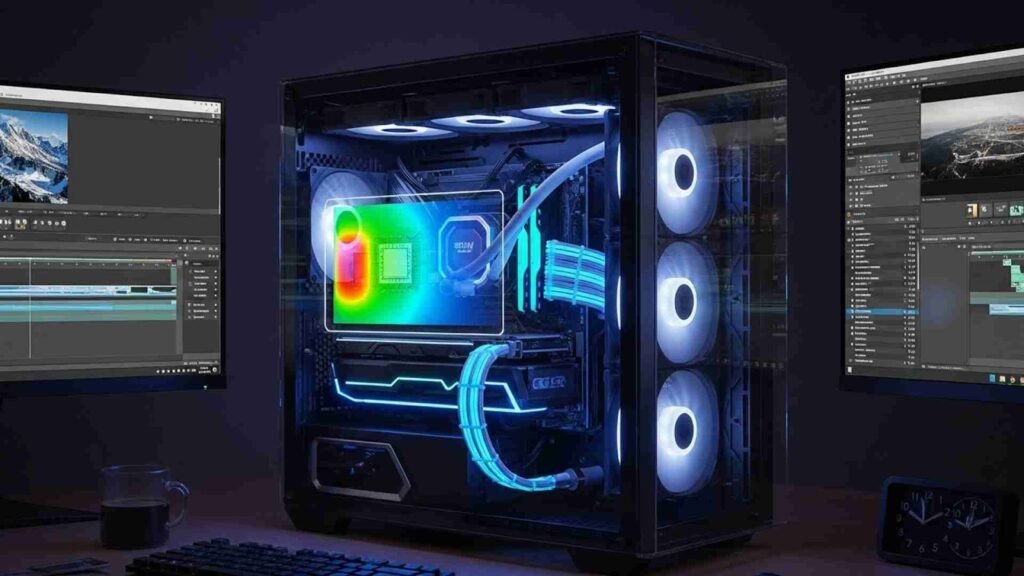
Heat Management and Long Editing Sessions
Video editing often involves long sessions where the processor runs under heavy load. A Good Processor for Video Editing should maintain performance without overheating or throttling. When a CPU overheats, it slows down to protect itself, which negatively affects editing speed.
This is why it is important to choose a processor known for thermal efficiency and pair it with proper cooling. Stable temperatures ensure consistent performance throughout your workflow. A Good Processor for Video Editing should feel just as fast at the end of a long editing session as it does at the beginning.
Software Optimization and Processor Compatibility
Different video editing software tools are optimized differently. Some rely more on CPU power, while others balance workload between CPU and GPU. A Good Processor for Video Editing should work efficiently with your preferred software.
For example, timeline responsiveness, playback smoothness, and background rendering often depend heavily on the processor. Choosing a CPU that aligns well with your software ensures the best possible experience. Instead of chasing the highest specs, focus on real-world compatibility. A well-matched Good Processor for Video Editing makes your software feel faster and more stable.
Common Mistakes Buyers Make When Choosing a Processor
One common mistake is buying a processor based purely on marketing terms or brand hype. Another mistake is overspending on features that will never be used. A Good Processor for Video Editing should match your real needs, not just look impressive on paper.
Some creators also underestimate future requirements. Buying the cheapest option might work today, but it can quickly become limiting. On the other hand, buying an extremely high-end processor without a matching workload wastes money. The smartest choice is a balanced Good Processor for Video Editing that delivers strong performance now and room to grow later.
Value for Money: Getting the Best Return on Your Investment
A Good Processor for Video Editing is an investment in your creative journey. Value for money does not always mean choosing the cheapest option. It means selecting a processor that delivers consistent performance, reliability, and longevity.
When comparing processors, think about how much time and stress the right CPU can save you. A slightly higher upfront cost can translate into smoother workflows and fewer upgrades in the future. For professionals, a dependable Good Processor for Video Editing often pays for itself through improved efficiency and client satisfaction.
Who Should Invest in a High-End Processor?
Not everyone needs a flagship CPU, but some creators truly benefit from one. If you work as a full-time editor, freelancer, or agency handling complex projects, a high-end Good Processor for Video Editing can dramatically improve your workflow.
High-end processors shine in multi-tasking, heavy effects, long timelines, and batch rendering. They reduce waiting time and allow you to take on more demanding projects. If video editing is your primary source of income, investing in a powerful Good Processor for Video Editing is a strategic decision.
Balancing CPU with GPU for Best Editing Performance
While the processor is critical, it works best alongside a capable GPU. A Good Processor for Video Editing ensures smooth timeline performance, while the GPU accelerates effects and rendering tasks. The balance between these components creates an efficient editing system.
Focusing only on the GPU while ignoring the CPU can lead to bottlenecks. Similarly, pairing a strong CPU with a weak GPU limits performance. The goal is harmony. A balanced system centered around a Good Processor for Video Editing delivers the best overall experience.
Final Thoughts on Choosing a Good Processor for Video Editing
Choosing a Good Processor for Video Editing is about understanding your needs, planning for the future, and making a smart investment. The right processor transforms your editing experience from frustrating to enjoyable. It allows you to focus on creativity instead of technical limitations.
Take your time to compare options, consider your workflow, and make an informed choice. A good decision today can support your creative work for years to come.