
When you start working with video, one question pops up again and again: How much RAM for video editing is actually enough? If you’ve ever tried to edit footage and your computer began freezing, lagging, or crashing at the worst possible moment, you already know why this matters. RAM is the silent worker inside your system that keeps timelines smooth, previews responsive, and exports efficiently. Without enough RAM, even a powerful processor or graphics card will feel slow.
Before diving into exact numbers for 1080p, 4K, and 8K editing, it helps to understand why RAM is so important. Video editing software constantly loads clips, transitions, effects, and previews into memory. Every time you scrub through the timeline or open multiple layers, RAM is used. When RAM runs out, the system starts using your storage drive as temporary memory, which is dramatically slower. That is when you feel lag and dropped frames. So asking how much RAM for video editing is not just a technical curiosity; it is about creating a smooth, frustration-free editing experience.
Another thing to keep in mind is that the amount of RAM you need is not the same for everyone. It depends on the kind of projects you work on, the software you use, the resolution of your videos, how many effects you apply, and whether you multitask with other apps open in the background. Someone editing short 1080p clips for social media will not need as much as a professional working with multicam 8K footage and color grading. In this article, we will break down how much RAM for video editing you actually need, resolution by resolution, so you can make the right upgrade decision with confidence.
Many people worry that they must buy the most expensive hardware to start video editing. The truth is more flexible. You can begin with a modest configuration and upgrade later once your skills and projects grow. Understanding RAM helps you plan your system instead of wasting money. Whether you are a beginner learning basic cuts or an advanced editor adding motion graphics, knowing how much RAM for video editing gives you a clearer roadmap for your setup.
Understanding What RAM Does in Video Editing
To know how much RAM is required for video editing, it helps to understand what RAM actually does inside your computer. RAM stands for Random Access Memory. It is a fast, temporary storage that your system uses to keep active files ready for instant access. Unlike your hard drive or SSD, RAM does not permanently store files; it holds them while they are being used. Once the power turns off, RAM clears itself.
When you open video editing software such as Adobe Premiere Pro, DaVinci Resolve, or Final Cut Pro, the program itself occupies some RAM. Then the video clips you load, the effects you apply, and the previews you watch also start filling up memory. Larger resolutions mean larger file sizes. Higher bit-depth and color grading mean even more RAM usage. So naturally, how much RAM for video editing becomes closely linked to the resolution you work with.
If you do not have enough RAM, the software begins swapping data to your storage drive. Even the fastest SSDs are far slower than RAM. This is the moment when your timeline becomes choppy, your playback freezes, and exports take longer. In some cases, the software may even crash when RAM is completely exhausted. This is why experienced editors always think carefully about how much RAM for video editing before starting serious projects.
Factors That Influence How Much RAM You Need
RAM requirements for video editing are not determined by resolution alone. Several other factors influence how much RAM for video editing you should consider. One major factor is the software you use. Programs like DaVinci Resolve and After Effects are usually more memory-hungry than simpler editors. The more advanced tools built into a program, the more RAM it tends to consume.
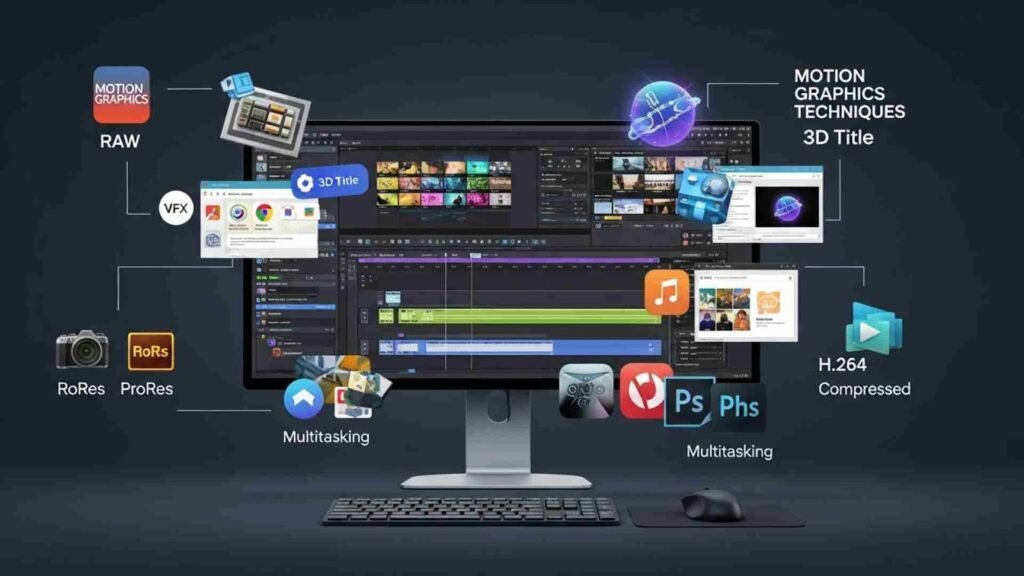
Another factor is the number of programs you run at the same time. If you edit video while also keeping dozens of browser tabs open, listening to music, running Photoshop, and using background tools, you will naturally need more RAM. Editors who work professionally often multitask like this, so for them how much RAM for video editing also includes space for all those extra tasks.
Your type of footage also matters. Highly compressed formats like H.264 are surprisingly heavy to decode. RAW and ProRes files are larger but easier for the system to process. Working with multicam editing, many layers, VFX, motion graphics, or 3D titles all increase RAM demand. So there is no single universal answer, but we can outline very practical recommendations for different resolutions.
How Much RAM for Video Editing in 1080p
Let’s start with 1080p, also known as Full HD. Many YouTube videos, online courses, and corporate content are still produced in this resolution. For most people entering the field, 1080p is the starting point.
So, how much RAM for video editing is enough for 1080p footage?
For basic editing with few layers, light color correction, and short projects, 8GB of RAM can run, but it will feel tight. You will notice slowdowns if you try to run other applications in the background or use heavy effects. That is why 8GB is often considered a bare minimum rather than a comfortable choice.
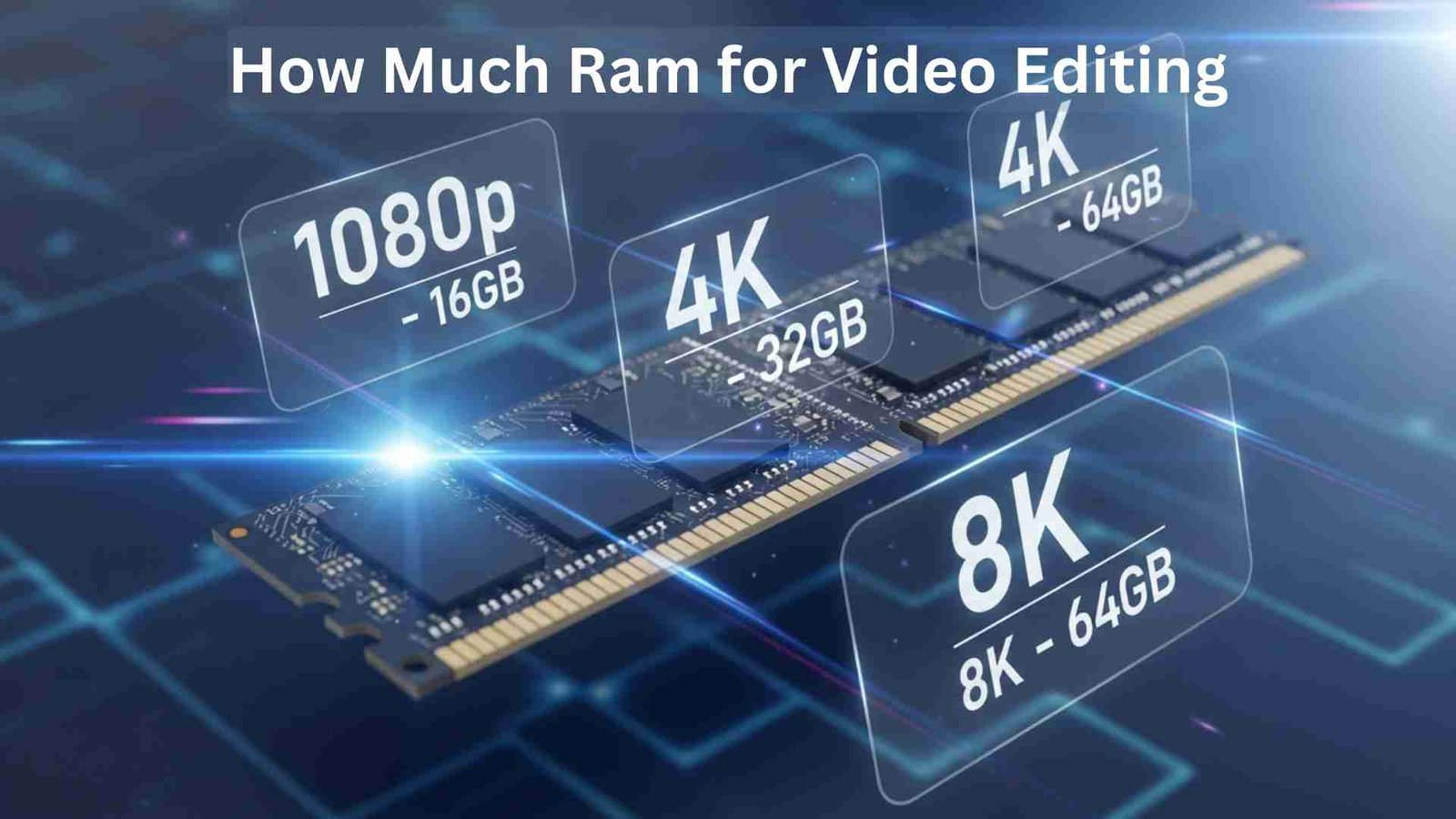
For smooth 1080p editing, 16GB of RAM is usually recommended. At this level, timelines play more smoothly, multitasking becomes easier, and you can work with multiple layers and effects without the system struggling. So for most editors working mainly in Full HD, the practical answer to how much RAM for video editing is 16GB.
However, if you work with longer 1080p projects, multiple cameras, or motion graphics, jumping to 32GB can be beneficial. Even though 1080p is lighter than 4K, complex editing styles can still consume large amounts of memory. Many creators today edit in 1080p but use heavy plugins or graphic elements. For them, asking how much RAM for video editing leads beyond just resolution and into workflow demands.
How Much RAM for Video Editing in 4K
Now let’s talk about 4K, which has become standard for professional work and high-quality content creation. File sizes increase significantly at this resolution, and the demand on computer resources rises sharply. Many editors discover this when they move from 1080p to 4K for the first time and suddenly see their computer struggling.
So how much RAM for video editing for 4K resolution projects?
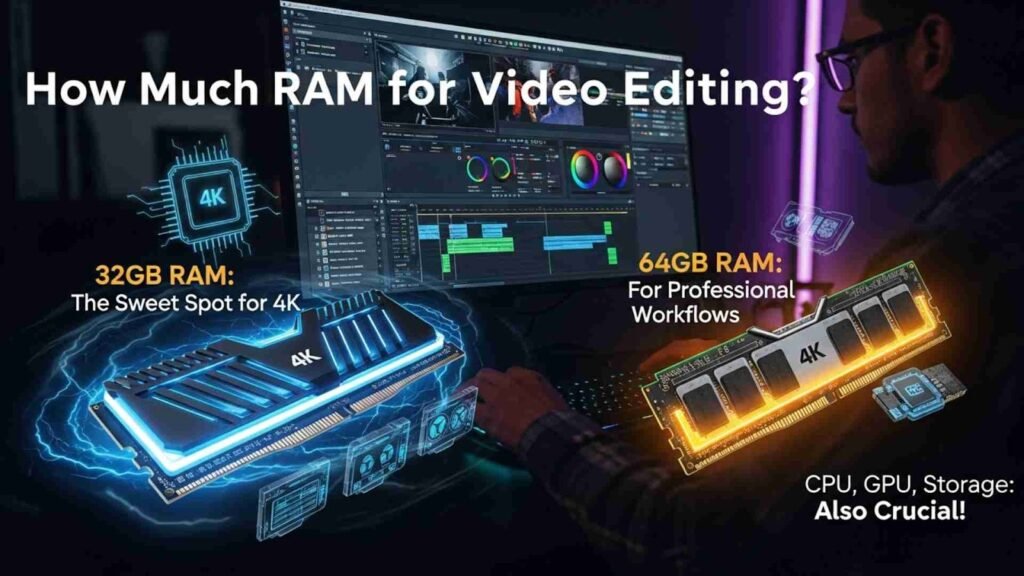
For basic 4K editing, 16GB of RAM can technically function, but it will not be ideal. Playback will often stutter, and you may need to rely on proxies or lower resolution previews. If your goal is stress-free 4K editing, 32GB of RAM is widely considered the sweet spot. With 32GB, you can comfortably edit 4K timelines, add color grading, apply effects, and keep background applications open without major slowdowns.
Professional workflows involving heavy color grading, RAW 4K files, multiple layers, or complex visual effects benefit from 64GB of RAM. At that level, the system can store more of your project in memory, minimizing the need to use slower disk caching. So for serious 4K work, how much RAM for video editing often leads professionals to choose 32GB or 64GB depending on their workload.
Another important point is that 4K editing is not only about RAM. Your CPU, GPU, and storage speed also play major roles. However, insufficient RAM can bottleneck all of them, making powerful components feel slow. That is why answering how much RAM for video editing remains one of the first steps when building or upgrading an editing computer.
How Much RAM for Video Editing in 8K
8K editing sits at the very high end of video production. It is used in cinema, professional studios, and advanced content creation. At this resolution, video files are extremely large, and every aspect of hardware becomes critical. Casual systems are not designed for this workload.
So, realistically, how much RAM for video editing for 8K projects?
Editing 8K footage comfortably usually begins at 64GB of RAM. This amount allows your system to preview high-resolution timelines, handle multiple layers, and run advanced color grading without collapsing under memory pressure. Even at 64GB, however, many editors still rely on proxies, especially in laptops or weaker desktops.
For true high-end 8K editing with RAW footage, heavy VFX, or multicam production, 128GB of RAM or more is common in professional studios. At this level, machines are often configured as workstations rather than typical consumer PCs. For such environments, the answer to how much RAM for video editing reflects not just comfort but production reliability.
Most everyday creators do not need 8K editing power. But if you plan to grow into cinematic production, it helps to plan. Knowing how much RAM for video editing is required at 8K resolution allows you to future-proof your investments or build gradually toward that capability.
RAM vs Other Components: What Matters Most?
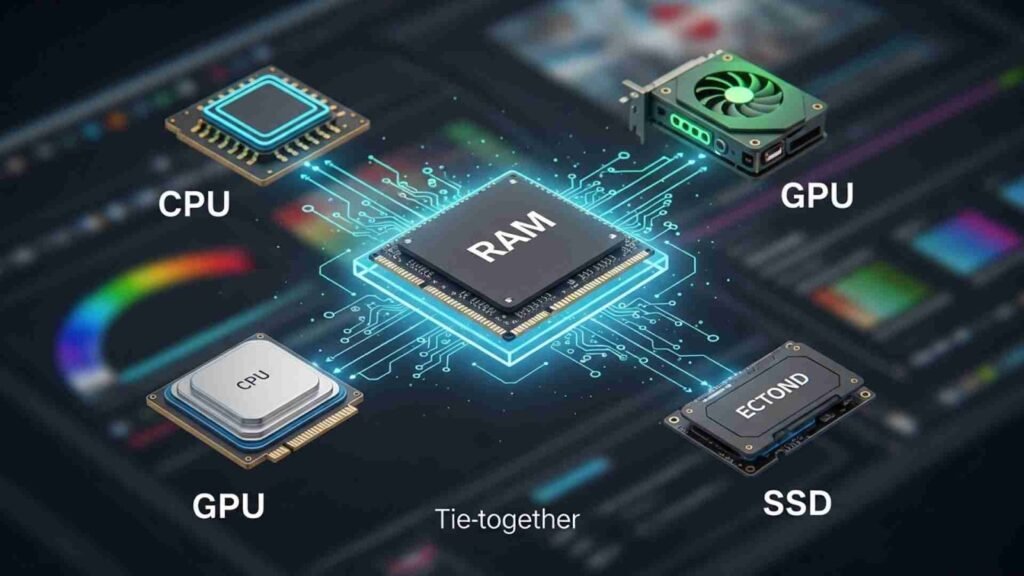
Many people assume RAM alone solves all editing performance issues. While RAM is vital, it works alongside other components. When thinking about how much RAM for video editing, it is also wise to consider processor strength, graphics card capability, and SSD speed.
Your processor handles encoding, decoding, and many editing calculations. Your GPU accelerates effects, color correction, and playback. Your SSD ensures media loads quickly. RAM ties everything together by providing space for active data. If one of these components is far weaker than the others, overall performance will still suffer.
That said, upgrading RAM is often one of the simplest and most noticeable improvements you can make. Many editors first ask how much RAM for video editing because RAM can usually be upgraded without replacing the entire system, making it a cost-effective performance boost.
Single-Tasking vs Multitasking and RAM Needs
Another important dimension when asking how much RAM for video editing is how you use your computer during editing sessions. Some editors keep only their software open and remain focused on a single project window. Others keep dozens of browser tabs, streaming services, chat apps, design software, spreadsheets, and reference materials open at the same time.
If you multitask heavily, you will need significantly more RAM than someone who works with only one program open. Operating systems themselves consume memory, and modern browsers are known to use a lot of RAM. Therefore, the real-world answer to how much RAM for video editing must take lifestyle and work habits into account, as well as technical specifications.
Upgrading RAM: When Is the Right Time?
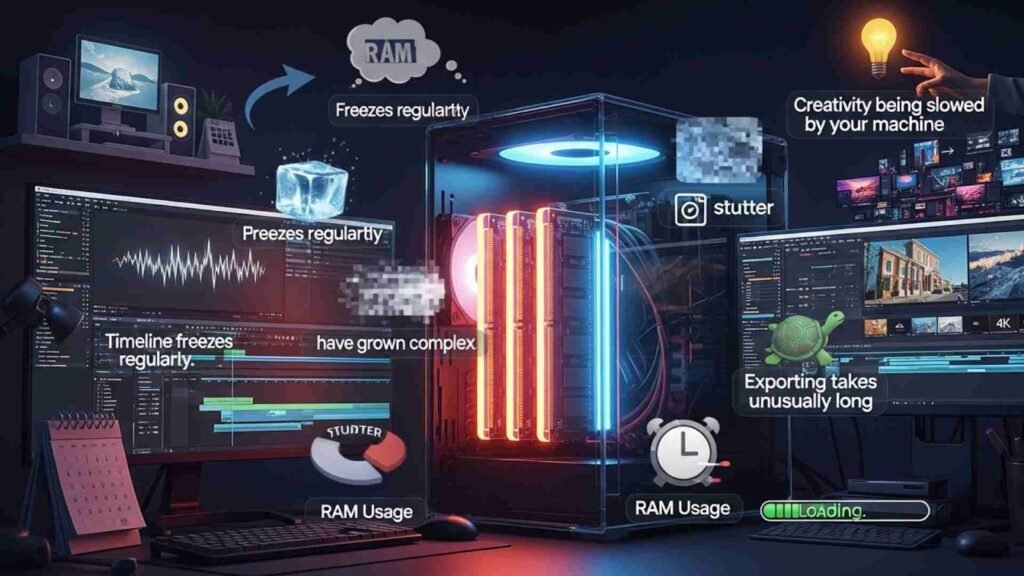
A common fear is upgrading too early or wasting money upgrading too late. So how do you know when it is time? If your timeline freezes regularly, if preview playback is choppy, if your computer uses nearly all RAM even during simple edits, or if exporting takes unusually long, these are strong signs you should revisit how much RAM for video editing your system currently has.
Another sign is when your projects have grown more complex than your hardware was originally designed to handle. Many editors start with basic 1080p YouTube videos and later move into 4K, longer formats, or professional client work. As the work evolves, RAM needs naturally increase. When you feel your creativity being slowed by your machine, the question of how much RAM for video editing becomes not just technical, but personal and practical.
Final thoughts
By now, you have seen that there is no single universal answer to how much RAM for video editing. The right amount depends on your resolution, your software, your editing style, and your multitasking habits. In general, 16GB is comfortable for most 1080p work, 32GB to 64GB is recommended for serious 4K editing, and 64GB to 128GB suits advanced 8K production.
The best approach is to match your RAM to your current needs while also thinking about where you want to be in the future. If you plan to grow as an editor, choosing slightly more RAM than you need today can save you time, money, and frustration later. Smooth editing is not just a luxury-it helps you stay focused on creativity instead of fighting with your computer.