
Creating immersive videos that let viewers look around freely is no longer just for big studios. Travel vloggers, real estate marketers, educators, and brands are now using 360-degree videos to tell richer stories. But to make those videos look professional, you need the right 360 Degree Video Editing Software.
In this guide, I will walk you through the best options available in 2026, what features really matter, how pricing compares, and how to choose the right tool for your needs. I will keep everything simple, practical, and focused on helping you make a confident buying decision.
Whether you are just starting or already working with advanced cameras, this article will help you find the right 360 Degree Video Editing Software for your workflow.
360-degree video is very different from regular video. Instead of a flat frame, you are working with a full spherical view. Viewers can look left, right, up, and down, which makes editing more complex.
That is where specialized 360 Degree Video Editing Software becomes essential. These tools allow you to stitch footage from multiple lenses, adjust the viewing direction, add effects without breaking the sphere, remove tripods or camera rigs, and export in formats supported by YouTube, Facebook, VR headsets, and websites.
Without proper software, your video may look distorted, disorienting, or low quality. With the right tool, your content can feel smooth, natural, and truly immersive.
In 2026, software developers have made huge improvements. Interfaces are easier to understand, AI assists with stitching and stabilization, and hardware acceleration makes editing faster even on mid-range computers.
Before jumping into specific tools, it helps to understand what features actually matter in real-world use.
Good 360 Degree Video Editing Software should support popular camera formats such as Insta360, GoPro Max, Ricoh Theta, and Kandao. It should offer easy stitching, timeline editing, color correction, spatial audio support, and clean export presets for social platforms.
Stability is also critical. Crashes during long renders waste time and energy. Performance matters too, especially if you work with 5.7K or 8K footage.
Finally, pricing should make sense for your usage. Some tools are perfect for beginners with small budgets. Others are designed for studios that need full control and professional delivery.
Keep these points in mind as we review the top options.
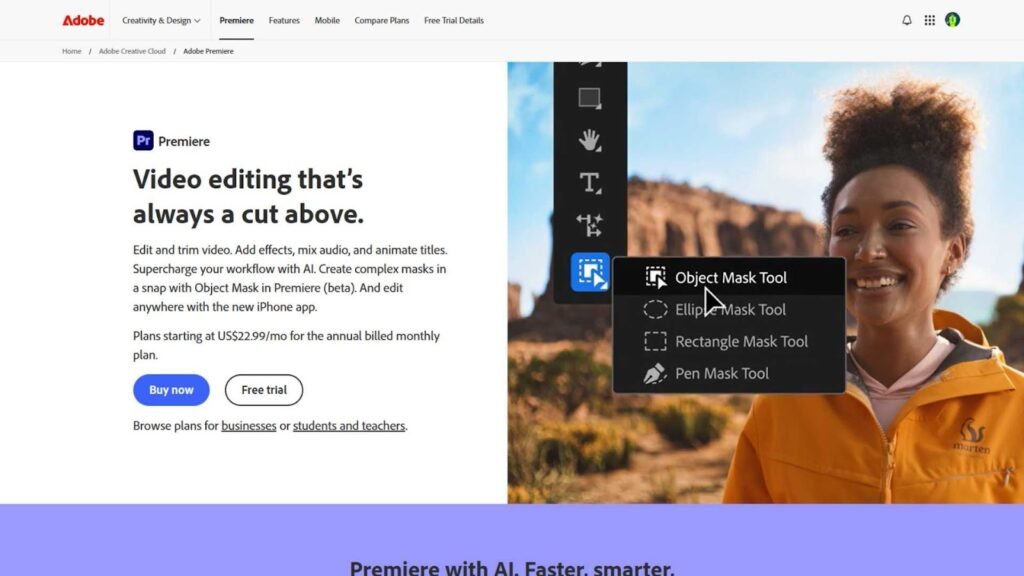
Adobe Premiere Pro remains one of the most trusted video editors in the world, and its VR capabilities have matured significantly by 2026.
It is not marketed strictly as 360 Degree Video Editing Software, but its VR editing workspace, immersive video effects, and plugin ecosystem make it one of the strongest options available.
You can edit 360 footage just like regular video, apply transitions, adjust color using Lumetri, and add text that stays correctly positioned in the virtual space. Adobe also supports spatial audio, which adds realism to VR projects.
The biggest advantage is flexibility. If you already use Photoshop, After Effects, or Audition, everything integrates smoothly.
However, Premiere Pro runs on a subscription model, which some users dislike. Beginners may also find the interface overwhelming at first.
Still, for professionals who want deep control, Adobe remains a powerful choice in the 360 Degree Video Editing Software category.

Final Cut Pro is Apple’s flagship editor and continues to be popular among Mac users.
On its own, it offers basic 360-degree editing, but when combined with plugins like MotionVFX or Dashwood VR, it becomes a serious 360 Degree Video Editing Software solution.
The performance is excellent on Apple Silicon Macs. Playback is smooth, rendering is fast, and the magnetic timeline is easy to learn.
Final Cut Pro is a one-time purchase, which many creators prefer over subscriptions. It also handles high-resolution footage well and supports HDR workflows.
The downside is platform limitation. If you use Windows, this is not an option. Some advanced VR features require paid plugins, which increases total cost.
For Mac-based creators, though, it remains a reliable and efficient choice.
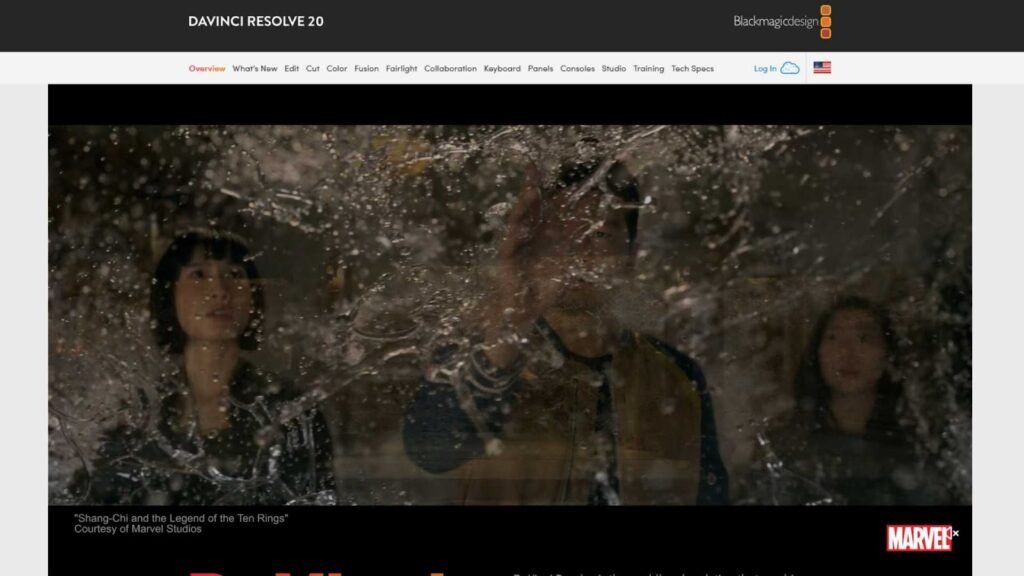
DaVinci Resolve has grown from a color grading tool into a full editing powerhouse.
The free version supports basic editing, but the Studio version unlocks advanced features including better 360 support, noise reduction, and AI tools.
Resolve is widely respected for its color correction capabilities. If visual quality matters to you, this is a big advantage.
As 360 Degree Video Editing Software, it offers spherical transitions, VR color wheels, spatial audio tools, and GPU acceleration.
The interface is clean but deep. Beginners may need time to adjust, but the learning curve is worth it.
Pricing is simple: a one-time license, which is attractive for long-term users.
Many independent filmmakers in 2026 consider DaVinci Resolve Studio one of the best value options on the market.
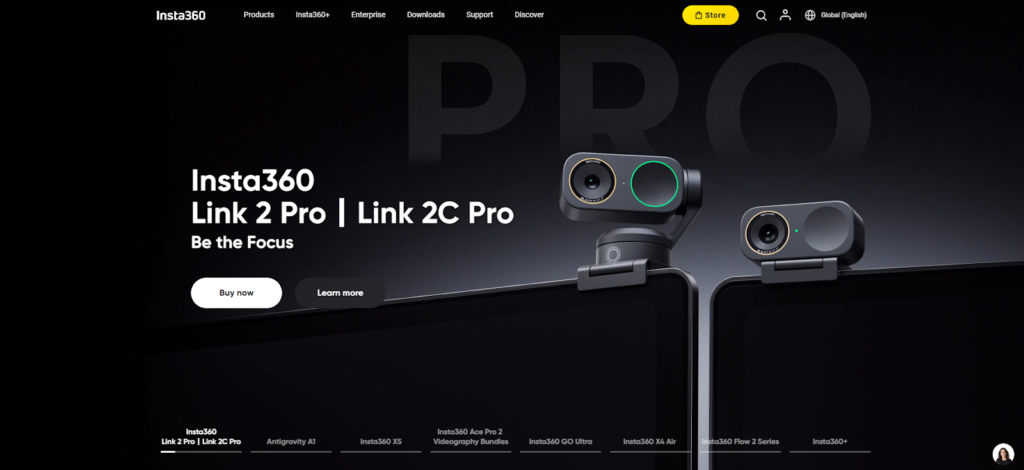
If you use Insta360 cameras, Insta360 Studio is likely your first stop.
It is free, simple, and designed specifically for stitching and basic editing of Insta360 footage.
This software is not meant to replace professional editors, but it is excellent for quick projects, social media clips, and basic exports.
You can reframe footage, apply stabilization, adjust colors, and export in formats compatible with major platforms.
As 360 Degree Video Editing Software, it is limited in creative tools, but very strong in usability.
Many creators use Insta360 Studio for initial processing, then export to Premiere Pro or DaVinci Resolve for final editing.
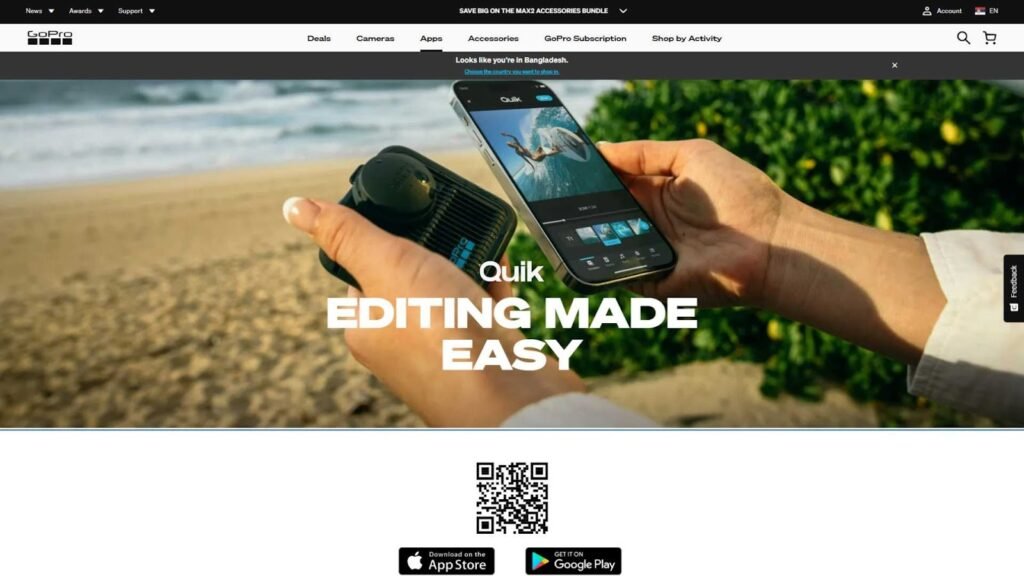
GoPro also offers tools for editing footage from the GoPro Max camera.
GoPro Player is mainly for viewing and basic reframing, while Quik adds simple editing features.
These tools are beginner-friendly and fast, but not designed for complex storytelling or professional workflows.
They work well as entry-level 360 Degree Video Editing Software, especially if you want to create quick travel videos or social content.
For serious commercial projects, most users eventually move to more advanced editors.

PowerDirector has quietly become one of the easiest tools for editing 360 content.
It is designed for non-technical users but still offers solid performance and features.
You can edit 360 footage on a traditional timeline, add titles that stay in the correct orientation, apply effects, and export directly to YouTube or Facebook.
The interface is friendly, which makes it a good choice for beginners who feel intimidated by professional software.
PowerDirector uses a subscription model, but pricing is reasonable compared to Adobe.
If you want something simpler than Premiere Pro but more powerful than free camera tools, this is a good middle ground in the 360 Degree Video Editing Software market.
Pricing varies widely depending on features and licensing models.
Adobe Premiere Pro operates on a monthly or yearly subscription. This can be convenient for short-term projects but expensive over many years.
Final Cut Pro and DaVinci Resolve Studio both use one-time purchases, which appeal to long-term creators.
PowerDirector sits in the subscription category but is more affordable.
Camera-specific tools like Insta360 Studio and GoPro Quik are free, but limited.
When choosing, consider not just the upfront cost, but also how often you will use the software and whether you need advanced features.
For businesses producing content regularly, investing in professional software often pays off in quality and efficiency.
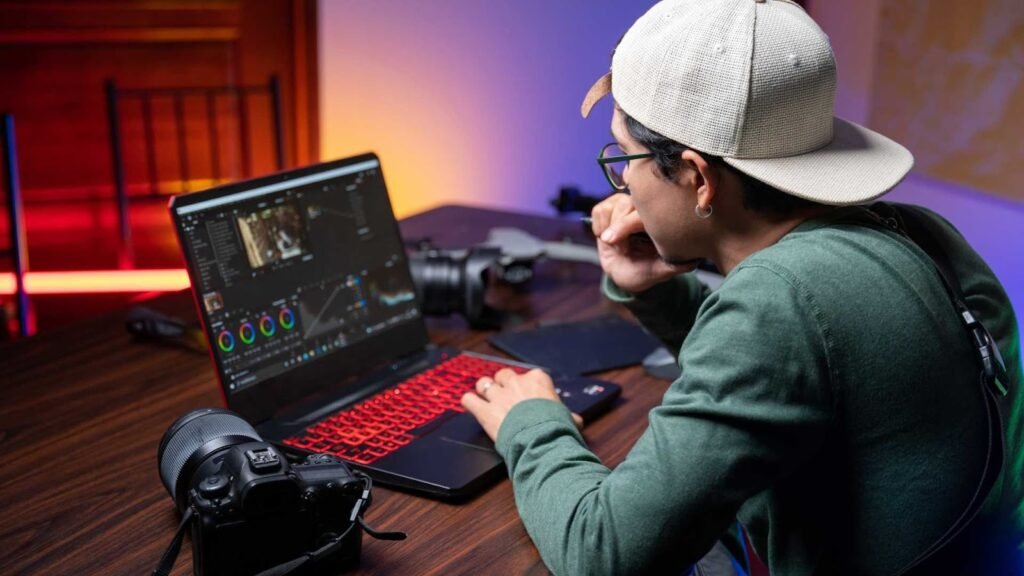
360-degree video files are large and demanding.
Even the best 360 Degree Video Editing Software will struggle on weak hardware.
In 2026, a good setup includes at least sixteen gigabytes of RAM, a modern multi-core CPU, and a dedicated GPU.
Fast storage such as SSD or NVMe drives also makes a noticeable difference.
Some software, like DaVinci Resolve and Premiere Pro, benefit greatly from strong graphics cards.
If your computer is older, consider lighter tools like PowerDirector or camera-specific editors.
Matching software to your hardware saves frustration and time.
There is no single winner for everyone.
If you are a beginner creating travel videos, Insta360 Studio or PowerDirector may be perfect.
If you are a YouTuber who already uses Adobe products, Premiere Pro is a natural choice.
If you are a filmmaker or color perfectionist, DaVinci Resolve Studio stands out.
Mac users who value speed and simplicity often prefer Final Cut Pro.
Understanding your own goals makes choosing the right 360 Degree Video Editing Software much easier.
In 2026, viewers expect high quality. Blurry stitching lines, shaky footage, or awkward transitions can quickly turn people away.
Good software helps you stabilize motion, fix exposure, correct colors, and guide the viewer’s attention naturally.
When your video feels smooth and professional, people watch longer, trust your brand more, and are more likely to engage.
This is especially important for commercial content such as real estate tours, hotel promotions, or product demos.
Investing in good tools is not just about convenience. It directly affects how your audience perceives you.
As 360-degree content becomes more competitive, basic trimming and stitching are no longer enough. Modern creators and businesses expect software that helps them produce polished, comfortable-to-watch immersive videos. This is where advanced features make a real difference.
One of the most important features is intelligent stitching. Good 360 Degree Video Editing Software automatically blends footage from multiple lenses so that seams are nearly invisible. In 2026, AI-assisted stitching has improved significantly, reducing manual corrections and saving hours of work.
Another critical feature is stabilization. Because 360 cameras are often handheld or mounted on moving objects, shaky footage is common. Advanced stabilization analyzes motion across the full sphere and smooths it without creating unnatural distortions. Tools like DaVinci Resolve Studio and Adobe Premiere Pro handle this particularly well.
Reframing tools are also essential. Reframing allows you to convert 360 footage into standard flat videos by choosing the viewing direction over time. This is extremely useful for social media, ads, and websites that do not support full VR playback.
Spatial audio support is another area where professional 360 Degree Video Editing Software stands out. Instead of simple stereo sound, spatial audio changes based on where the viewer is looking, making the experience far more realistic.
Finally, export flexibility matters more than most beginners realize. The best software offers presets for YouTube VR, Meta Quest headsets, Apple Vision devices, and standard MP4 formats, ensuring your content looks correct everywhere it is published.
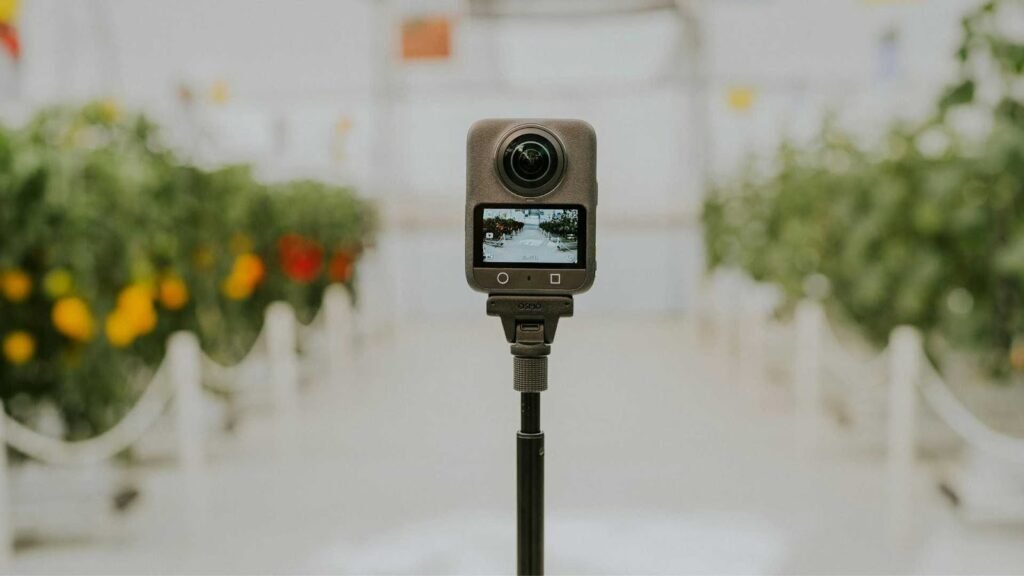
Understanding how different industries use 360-degree editing helps clarify what kind of software you actually need.
In real estate, agents use 360 videos to create virtual property tours. Editing software helps remove tripods, balance lighting between rooms, and guide viewers naturally from space to space. Reliability and clean output are more important here than flashy effects.
In tourism and travel, creators record immersive experiences such as city walks, hotel tours, and adventure sports. Here, stabilization, color correction, and reframing are vital to maintain viewer comfort and attention.
In education and training, companies create safety simulations and interactive lessons. These projects often require accurate spatial audio and precise control over where the viewer looks at key moments. Advanced 360 Degree Video Editing Software is essential in this field.
Marketing agencies use 360 content for product launches, event coverage, and brand storytelling. They need strong visual polish, consistent branding, and compatibility with multiple platforms.
Even small businesses are now using 360 videos on websites and social media to stand out. As competition grows, quality editing becomes a major differentiator.
One of the biggest decisions when choosing 360 Degree Video Editing Software is how much control you really need.
Beginner-friendly tools focus on simplicity. They automate stitching, stabilization, and exporting. This saves time but limits creative freedom.
Professional tools give you full control over color grading, audio positioning, effects, and motion tracking. This allows for higher quality results but requires more learning.
Neither approach is wrong. The right choice depends on your experience, deadlines, and the expectations of your audience.
If you are producing content for paying clients, professional software is often worth the effort. If you are creating personal projects or social content, simpler tools may be more efficient.
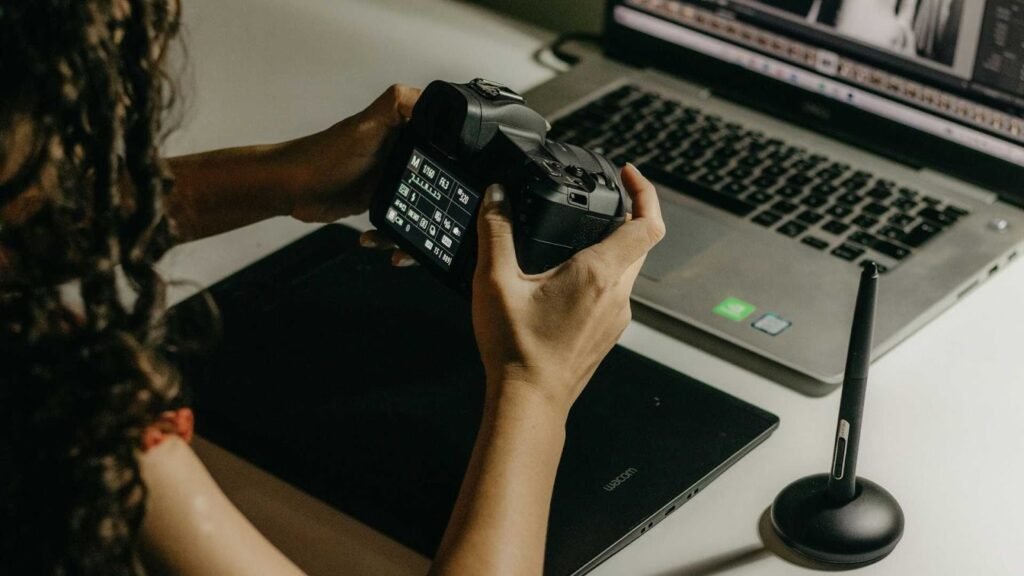
Many buyers focus only on the initial cost. This can be misleading.
Subscription software like Adobe Premiere Pro may seem expensive, but it includes frequent updates, cloud integration, and access to a large plugin ecosystem.
One-time purchase software like Final Cut Pro or DaVinci Resolve Studio saves money over time but may require paid upgrades in the future.
Free tools save money upfront but often lack advanced features, leading users to upgrade later anyway.
When evaluating 360 Degree Video Editing Software, think in terms of productivity, reliability, and output quality over several years, not just the first month.
New buyers often choose software based on popularity alone. This can result in paying for features they never use or struggling with overly complex interfaces.
Another mistake is ignoring hardware requirements. Powerful software on weak hardware leads to slow performance and frustration.
Some users also underestimate the importance of export settings. Incorrect metadata or resolution can break 360 playback on platforms like YouTube.
Finally, many creators overlook workflow efficiency. Good software should make repetitive tasks easier, not harder.
Avoiding these mistakes saves both time and money.
Before purchasing any 360 Degree Video Editing Software, test the free version or trial whenever possible. Editing one real project reveals more than any feature list.
Check camera compatibility carefully. Not all software supports every brand equally well.
Consider your final platforms. If you publish mainly on YouTube, make sure the software handles YouTube VR metadata correctly. If you use VR headsets, test playback early.
Think about future growth. If you plan to expand into client work or commercial projects, choose software that can scale with your needs.
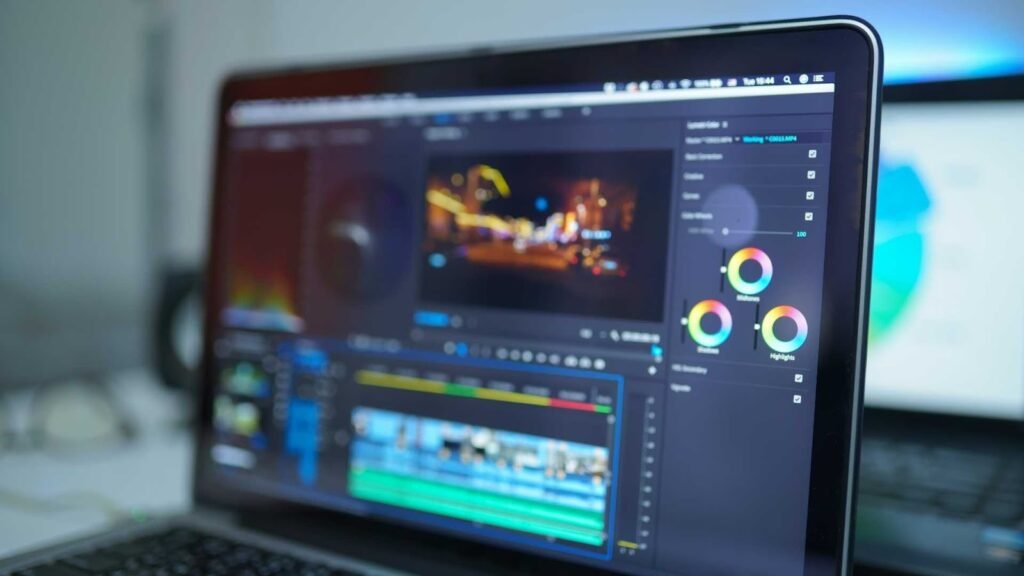
Looking ahead, AI will play an even larger role. Automatic scene detection, smart reframing, and real-time noise reduction are already improving.
Cloud-based collaboration is also becoming more common, allowing teams to work on the same project remotely.
Support for higher resolutions and new VR devices will continue to expand.
Choosing a well-supported platform today helps protect your investment as technology evolves.
The best 360 Degree Video Editing Software is the one that fits your workflow, budget, and creative goals.
For beginners, simple tools offer a gentle introduction.
For professionals, powerful editors deliver the control and quality that clients expect.
For businesses, reliability and output consistency matter more than flashy features.
No matter your level, investing in the right software dramatically improves how your content is perceived.
While powerful editing software helps shape your 360-degree videos, visual quality does not end with motion alone. Clean frames, balanced lighting, accurate colors, and professional-looking still visuals all play a role in building trust with your audience.
At aitinsider, we specialize in high-quality image editing services for creators, agencies, and businesses. Whether you need product photos retouched, real estate images enhanced, or marketing visuals polished to perfection, our team helps your brand look credible and competitive.
If you are already investing in professional 360 Degree Video Editing Software, pairing it with professionally edited images can elevate your entire visual strategy.
Visit aitinsider to learn how our image editing services can support your creative projects and commercial goals in 2026 and beyond.